
Blog
Weightlifting apps: 6 options compared
Published September 26, 2026 · 12 min read
Choosing a weightlifting app comes down to one question: do you want a logbook, a full plan, or help deciding what to lift next? These six options cover those needs, with RIRLift first for lifters who want automatic load guidance, RIR tracking, and Apple Watch logging in one focused app.
1. RIRLift
RIRLift is a gym workout tracker for iPhone that uses your completed sets to suggest the next load. It fits lifters who already have a routine, beginners who want clear direction, and Apple Watch users who want to keep their phone in their bag.
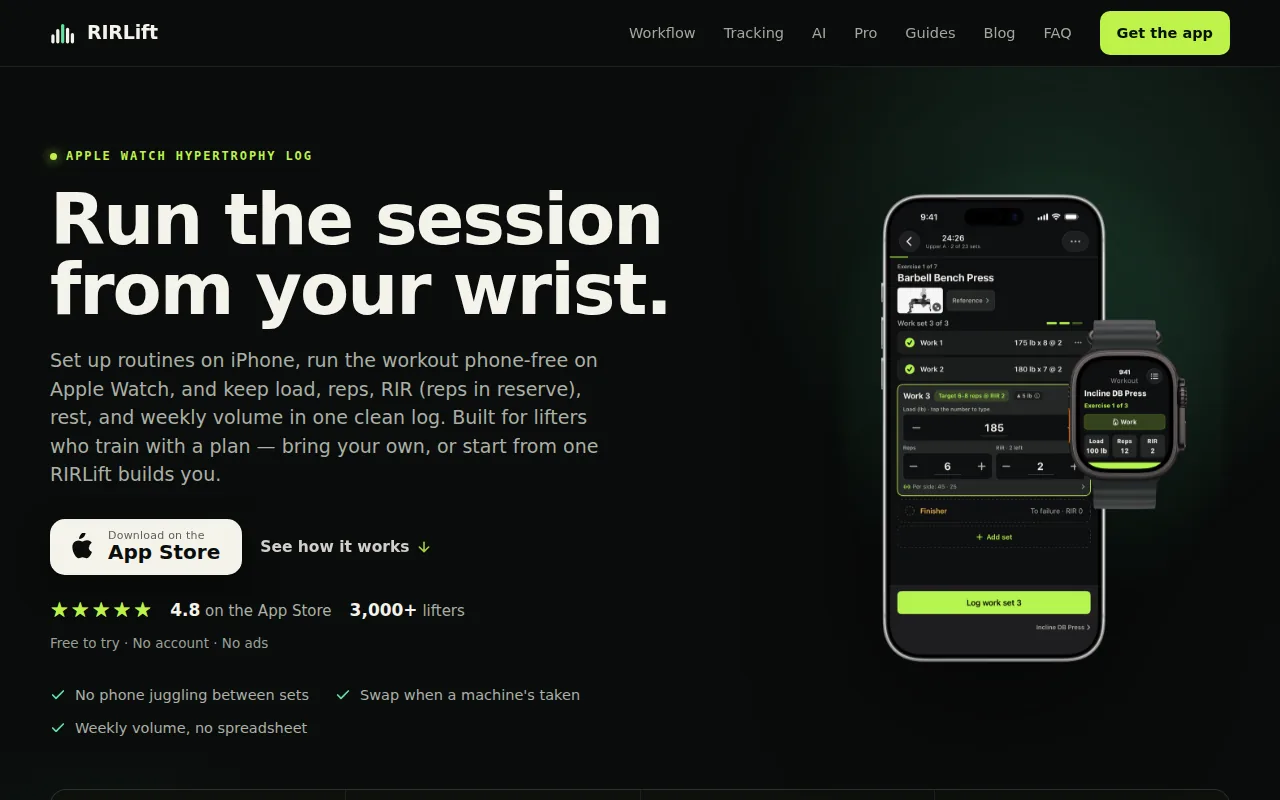
Build a routine or select a program before you train. During the session, load, reps, and RIR come up from your last workout. Confirm the set in a tap, adjust the value when needed, and let Coach work out what to use next time from what you actually did.
RIR means reps in reserve, or the number of good reps you think you had left. That detail matters because load alone cannot show how hard a set felt. A planned set at 2 RIR that feels like 4 RIR may need more weight next time. A set that reaches 0 RIR may call for a smaller increase or no increase at all.
RIRLift also tracks weekly hard sets by muscle. That gives you a useful weekly check without rebuilding a spreadsheet. You can see where your chest, back, legs, or other muscle groups are getting more or less work than planned.
The Apple Watch app handles set entry, rest timers, and exercise swaps from the wrist. Active workouts are local-first, so a dropped connection or a phone left in a locker does not end the session. Warm-ups, drop sets, and rest timers fit the same workout flow.
There is no sign-up, social feed, or ad break inside the workout. The free tier covers the core training workflow, while RIRLift Pro adds deeper history and analytics. A free web planner and shareable routine links can help you set up before entering the gym.
The trade-off is scope. RIRLift is built for gym lifting on iPhone and Apple Watch. It is not a meal tracker, cardio coach, or social network. If you want an app to invent every part of your training, a plan-first option may suit you better. If you want to log your own plan and get a reasoned next load, RIRLift keeps the process short.
2. StrongLifts 5x5, straightforward automatic weight progression
StrongLifts 5x5 is a guided barbell program inside an app. It suits beginners or returning lifters who want a fixed structure with little day-to-day choice.
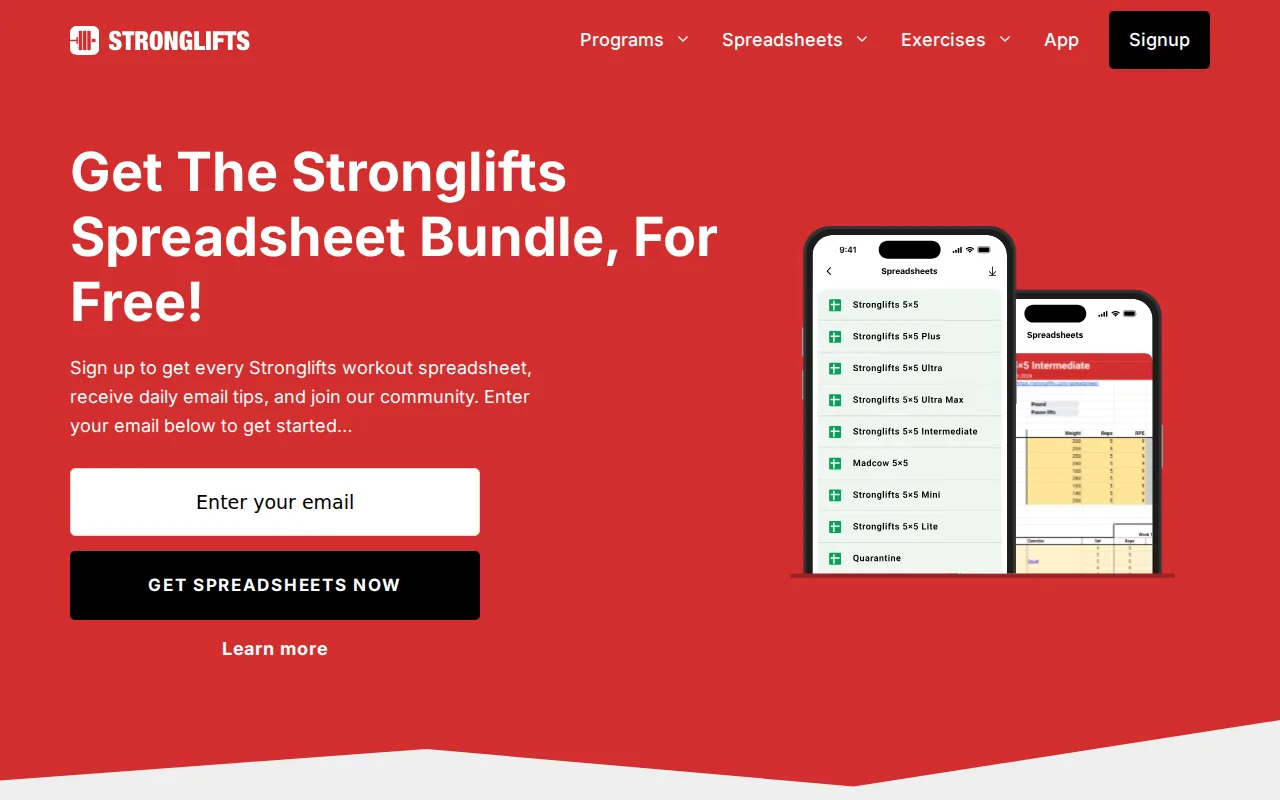
The app plans the exercises, sets, and weights for each workout. Its core structure uses 5 sets of 5 reps across three weekly workouts. Automatic progression tells you when to add weight, so you do not need to work out the next increase yourself.
That narrow plan can be useful when decision fatigue is the problem. You open the next session and see what comes next. Timers and progress charts support the same simple workflow, while the app also includes variations and templates for people who need some room to adjust.
The approach is clearest for basic barbell strength work. It is less suited to a lifter running a detailed hypertrophy block with different rep ranges, exercise swaps, RIR targets, and per-muscle volume goals. A 5x5 plan can build strength, but it does not replace every type of training plan.
Its automatic progression is also rule-based rather than centered on your recorded RIR. That distinction matters when sleep, stress, or exercise fatigue changes how a set feels. You may still need to adjust the session when the prescribed load does not match your readiness.
StrongLifts is a sensible fit when you want the app to remove most choices. It is a weaker fit when you already have a custom routine and need a flexible logbook. The app uses a planned workout and automatic progression model.
3. Boostcamp, free programs with RIR and RPE tracking
Boostcamp combines a large program library with a workout logger. It fits lifters who need help choosing a program before they worry about fine-tuning each set.
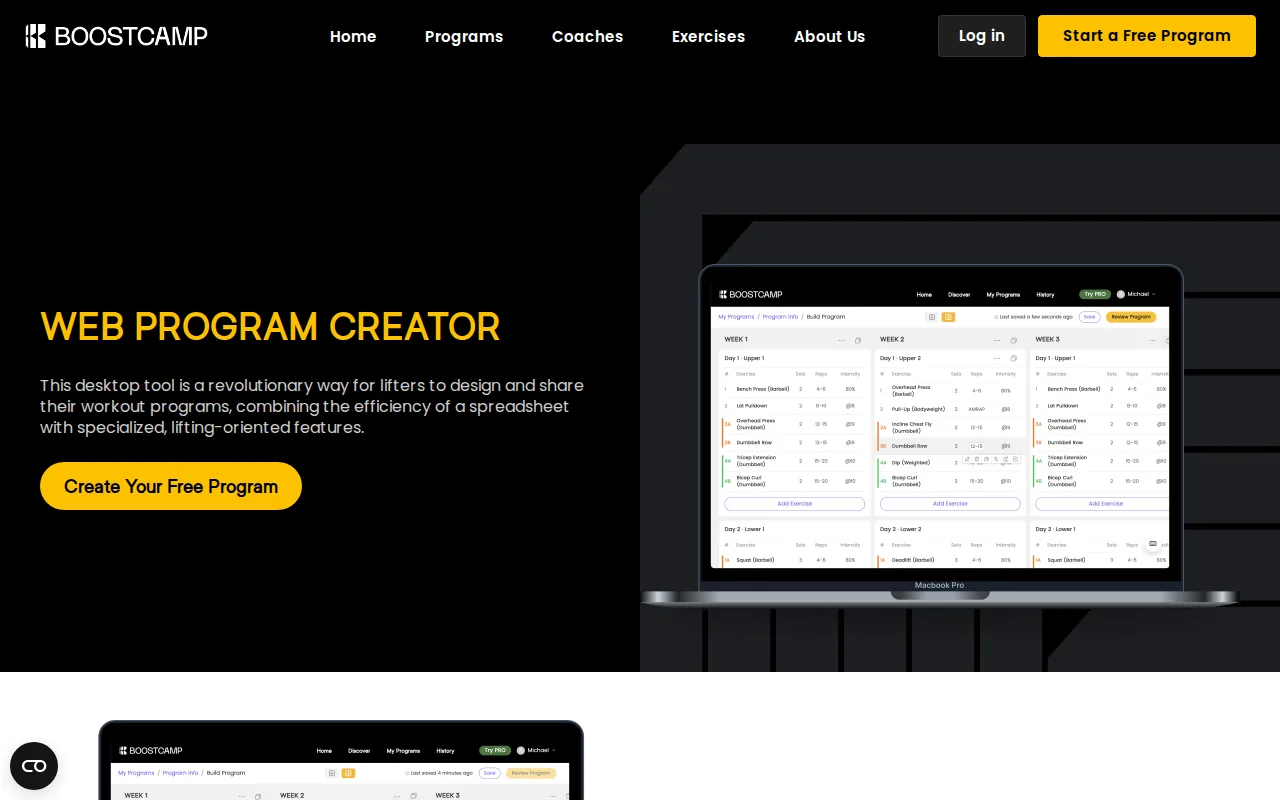
The app lists named programs for strength and hypertrophy, plus tools for building or changing a routine. Its tracker records weight and reps alongside RPE and RIR. RPE means Rating of Perceived Exertion, a scale that describes how hard a set felt. Auto-progression can set future weights within a program.
This makes Boostcamp useful when the blank page is the main barrier. You can select a plan by goal, training days, or equipment, then start logging inside the same app. The program library also gives you a place to compare different structures before committing to a block.
Program depth can be a strength and a weakness. A large library gives you choices, but it can also make it harder to tell which plan fits your current skill, schedule, and recovery. Read the progression rules before starting. A familiar program name does not guarantee that its volume suits you.
Boostcamp supports iOS and Android, which gives it a wider device reach than Apple-only tools. Its main difference from RIRLift is the starting point. Boostcamp begins with program discovery and customization. RIRLift begins with the routine you want to run, then helps calculate the next load from your logged performance.
The free access is a strong reason to test it, though advanced analytics and plan features may vary by tier. Boostcamp is worth considering when you want a ready-made plan and a tracker in one place. For a closer look at plan-first tools, the workout plan generator app comparison covers a related decision.
4. Fitbod, adaptive workout recommendations
Fitbod generates workouts around your goals, equipment, and training history. It suits people who want an app to decide what they will train today instead of following a fixed routine.
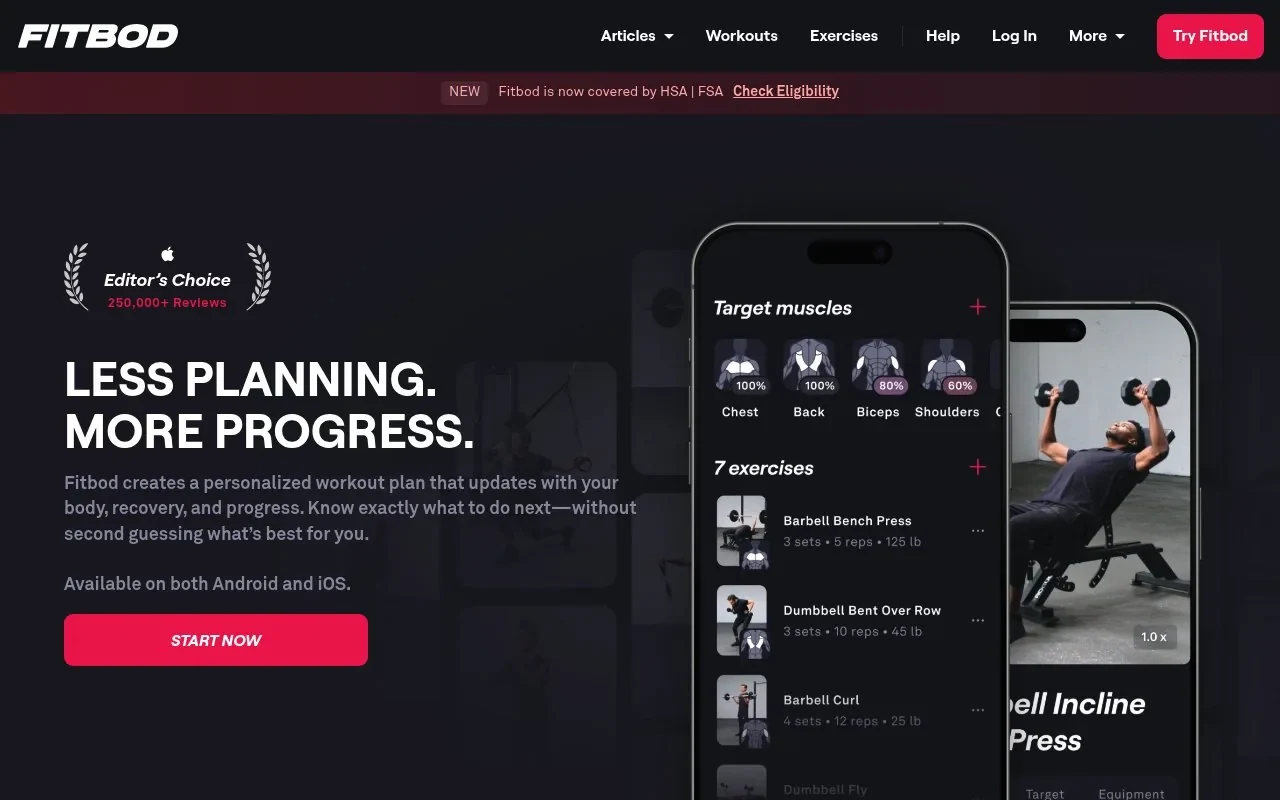
Fitbod says its recommendations adapt to your edits and past sessions. The exercise library includes a broad selection of exercises, with instructions and video guidance. You can search by muscle group, equipment type, or exercise name, then adjust a session when your gym setup changes.
This workflow helps when your schedule or equipment changes often. If you walk into the gym without a plan, the app can assemble a session based on what is available. Apple Watch support also makes it useful for people who want training data on their watch.
The main trade-off is control. A generated workout may not match the exact split, exercise order, or weekly set target you already use. You can save and build routines, but the app is still designed around recommendations rather than a simple record of an existing program.
Fitbod also frames its system around generated workouts instead of RIR as the main training input. That does not make it unsuitable for lifting. It means the app answers a different question: what should I do today, rather than what weight should I use for the plan I already follow?
Check the current terms in the store before subscribing. Fitbod makes the most sense for a lifter who values variety and automated session planning over a fixed split.
5. Alpha Progression Pro, precise set-by-set load guidance
Alpha Progression Pro builds structured plans and recommends weight and reps for each set. It fits lifters who want detailed progression rules inside a hypertrophy-focused planner.
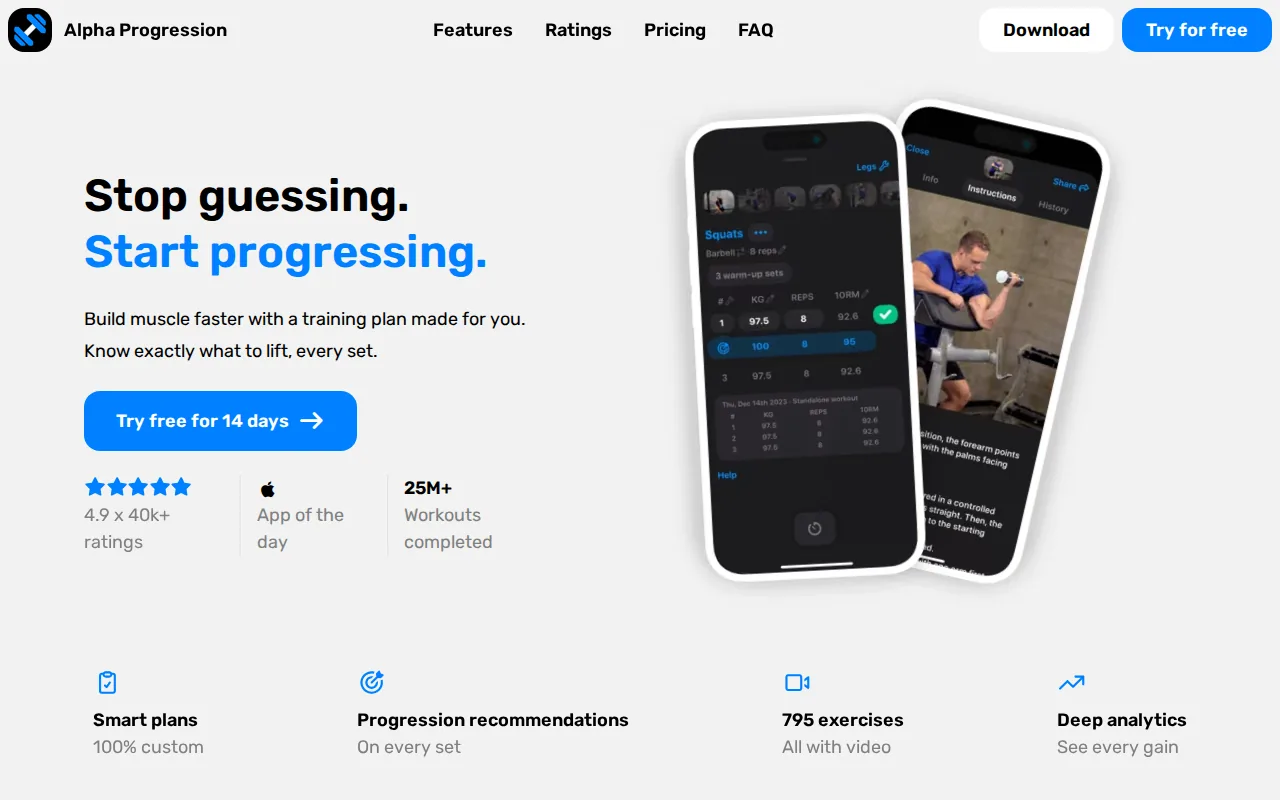
The app uses past workouts and the sets already completed that day to guide the next set. That distinction is useful because set 3 may feel different from set 1. Fatigue accumulates within a session, so one fixed load target may not fit every set.
You can choose a goal, training days, available time, and muscles to prioritize. The plan generator then builds a split with exercises, sets, and rep ranges. The details remain editable, and you can also build a plan from scratch.
Alpha Progression includes optional RIR targets, fast logging, rest timers, supersets, drop sets, warm-up support, and exercise videos. It also tracks records, estimated 1RM, volume, and sets by muscle group. For a lifter who wants charts and planned blocks, that depth can reduce the need for separate notes.
The key limitation is the boundary between planning and logging. The progression system is most useful when you want Alpha Progression to build the plan and direct the next set. If you already have a coach-written routine and only need a fast log, its broader planning tools may be more than you need.
Alpha Progression is available for iPhone, and it offers a 14-day free trial. It does not provide the Apple Watch workflow that makes RIRLift useful for phone-free set logging. Pick it when detailed plan generation matters more than wrist-based training.
6. Hevy, simple workout logging with a broad exercise library
Hevy is a general workout logger with routine tools, exercise videos, graphs, and a social layer. It suits lifters who want a familiar logbook with a large exercise catalog.
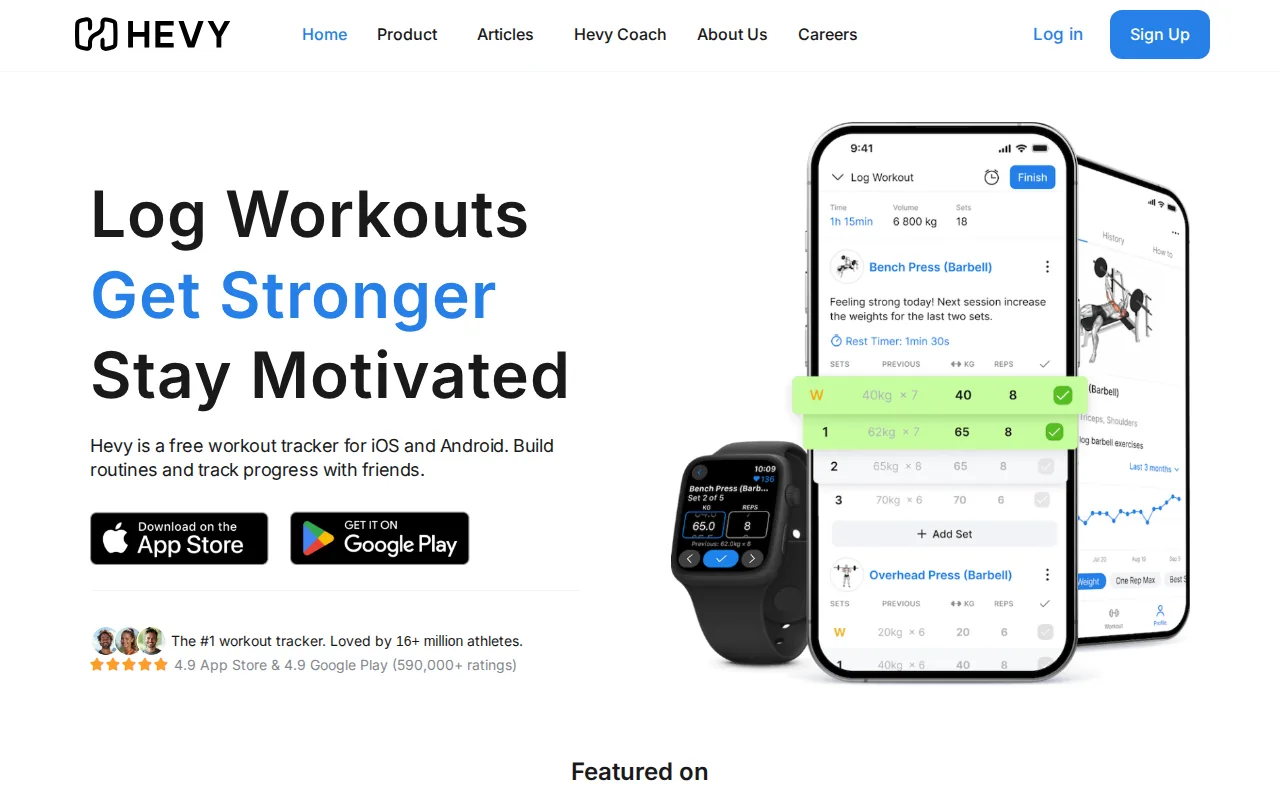
The app lets you build routines, record sets, mark warm-ups or drop sets, and set rest timers. It also calculates an estimated one-rep max for strength exercises. Graphs show changes in volume, best weight, and total reps, which can help you review a lift without opening a spreadsheet.
Hevy includes an Apple Watch app for tracking sets. Watch workouts can save when the phone reconnects. Its broad exercise library also helps when you train in different gyms or switch between free weights and machines.
The social feed is part of the product's identity. Some lifters enjoy sharing routines or following other training logs. Others want a quiet record with no feed, badges, or pressure to post. That choice affects how focused the workout feels, especially when you tend to check your phone between sets.
Hevy is mainly a logging tool. If you want a broad logbook, compare the workout log apps for lifters before deciding. If you want the app to interpret RIR and calculate your next load, compare its workflow with RIRLift before deciding.
Check the current limits in the store. It is a good fit for general logging, especially when exercise variety and community tools matter more than a focused progression coach.
Weightlifting apps compared: features, platforms, and progression support
The best weightlifting apps are easier to compare when you separate four jobs: choosing a plan, logging a set, deciding the next load, and reviewing weekly volume. One app may do one job well while another handles the full loop.
The table below focuses on the features that change your session. It does not treat a large exercise list as proof of better progression. A long catalog is useful only when you can find the movement and record it without slowing down.
| App | Primary use | Load guidance | RIR or RPE | Apple Watch | Best fit |
|---|---|---|---|---|---|
| RIRLift | Logging and progression | Coach uses logged performance | RIR and RPE | Yes | iPhone lifters who want the next load explained |
| StrongLifts 5x5 | Guided barbell program | Automatic progression within 5x5 | Not listed | Not listed | Beginners who want a fixed plan |
| Boostcamp | Program library and tracking | Auto-progression in programs | RIR and RPE | Not listed | Lifters choosing a named program |
| Fitbod | Generated workouts | Adaptive recommendations | Not listed | Yes | Lifters without a fixed routine |
| Alpha Progression Pro | Plan generation and progression | Weight and reps for each set | Optional RIR targets | Not listed | Hypertrophy lifters who want detailed planning |
| Hevy | General workout logging | Progress graphs and history | Not listed | Yes | Lifters who want a broad logbook |
RIRLift is the most focused option for the full progression loop in this group. You can plan or import a routine, log the set, record how hard it felt, and receive a next-load recommendation. The Apple Watch app keeps that loop available without making the phone the center of the workout.
StrongLifts 5x5 is clearer when the goal is a simple barbell plan. Boostcamp is more useful when program discovery comes first. Fitbod fits a changing schedule. Alpha Progression Pro goes deeper into generated plans. Hevy stays closer to a general-purpose logbook.
Key takeaway: Choose the app that matches the decision you want removed. RIRLift removes guesswork around the next load, while other options focus on fixed plans, generated sessions, or broad logging.
Platform access also matters. RIRLift is for iPhone and Apple Watch. Boostcamp supports iOS and Android.
Free access needs the same care. A free download does not always mean that automatic guidance, full history, or advanced charts are included. Before you move your training record, check which features remain available after the trial or free tier ends.
FAQ
What is the best weightlifting app for tracking sets?
RIRLift is a strong fit for tracking sets when you want load, reps, and RIR in the same workout record. It pre-fills values from your last session and lets you confirm most sets quickly. Hevy is another option for broad exercise logging, while Fitbod suits people who want the app to generate sessions.
Which weightlifting app tells you what weight to use next?
RIRLift uses what you actually logged to calculate the next suggested load. StrongLifts 5x5 gives automatic weight progression inside its 5x5 program. Alpha Progression Pro recommends weight and reps for each set. The right choice depends on whether you want a flexible logbook or a full plan generator.
What weightlifting app tracks RIR?
RIRLift tracks reps in reserve for each set and uses that effort data in progression decisions. Boostcamp also supports RIR and RPE logging inside its workout tracker. Alpha Progression Pro includes optional RIR targets. RIR is useful when load alone does not explain why a set felt easy or hard.
Which lifting apps work with Apple Watch?
RIRLift focuses on phone-free set logging with local-first active workouts. Fitbod centers on generated sessions, while Hevy provides a broad logging workflow. Check current device requirements before installing.
Are free weightlifting apps good enough?
Free weightlifting apps can be enough when you only need basic workout logging. The limits often appear in plan generation, long-term charts, or automatic load guidance. RIRLift keeps its core workout flow available in the free tier. Other apps may reserve advanced tools for a trial or paid access, so check the current terms.
Conclusion
Choose RIRLift if you want one focused workflow for routines, set logging, RIR, weekly muscle volume, and next-load guidance. Start with a routine you already trust, log each set honestly for two or three sessions, then review what Coach recommends before your next workout. The progressive overload app guide explains how that progression loop works in more detail.