
Blog
Best Workout Apps for Beginners
Published September 16, 2026 · 14 min read
Choosing a workout app is easy. Choosing one that explains what to do next is harder. This shortlist covers the best workout apps for beginners, with picks for home training, gym lifting, running, guided sessions, progress tracking, and Apple Watch use.
1. RIRLift
RIRLift is a gym workout tracker for iPhone that tells you what to lift next. It fits beginners who want a clear plan without a social feed, ads, or a long setup.
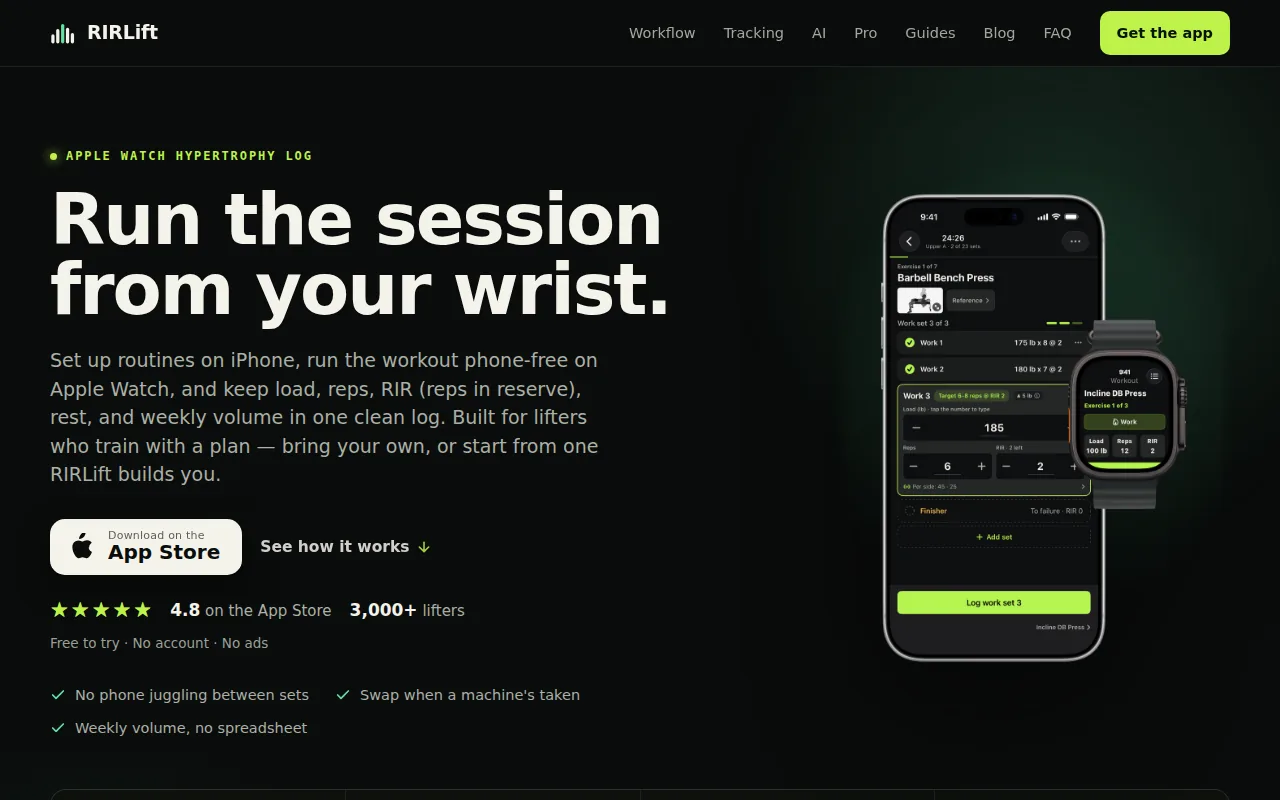
Build a routine or select a program. Log each set with a tap. The built-in Coach then uses what you actually did to work out the next weight. That matters when you're new to lifting because a plan should respond to your real performance, not an ideal week.
RIRLift also tracks RIR and RPE. RIR means reps in reserve, or how many good reps you had left. This teaches effort control early. You don't need to guess whether a set was too easy or too hard.
We include rest timers, warmup support, drop sets, weekly volume by muscle, and progress views. RIRLift works with different training styles, including beginner routines and hypertrophy plans. It also runs on Apple Watch, so you can log from your wrist.
There is no sign-up, and the free tier covers the core training workflow. A free web planner and shareable routine links make setup easier before you enter the gym. See the workout plan generator app comparison if you want to compare planning styles first.
Its main limit is focus. RIRLift is built for lifting, not dance classes, meal logging, or broad cardio coaching. If your main goal is guided bodyweight movement, another pick below may suit you better.
Key Takeaway: Pick RIRLift if you want a beginner lifting plan that records your work and gives you a sensible next step.
2. Home Workout - No Equipment, Simple bodyweight training at home
Home Workout - No Equipment is aimed at people who want short bodyweight sessions at home. It suits beginners who don't have gym access or don't want to buy gear yet.
The app lists different levels, including beginner, intermediate, and advanced plans. Warmups, stretches, animations, and video guidance help you follow each movement.
That format removes a common beginner problem: spending ten minutes searching for an exercise before doing one. You open the plan, watch the movement, then work through the session. The app also tracks completed exercises and activity over time.
Equipment needs are simple. Most sessions rely on bodyweight, which makes the app useful in a bedroom, living room, hotel room, or outdoor space. Some plans may still need adjustments if you have pain or limited mobility, so choose movements you can perform with control.
The app contains ads and in-app purchases. The store listing also says it has more than 100 million downloads and a 4.9 rating from millions of reviews, but ratings can change and don't tell you whether every plan fits your needs.
It doesn't clearly document RIR or RPE tracking. That makes it less useful for learning lifting effort, even though it can help you build a regular exercise habit.
3. Home Workout, Free guided sessions with Apple ecosystem support
Home Workout is a guided training app with bodyweight work, stretching, quick sessions, and chair exercises. It's a good match for beginners who want video instruction and use Apple Health, Apple Watch, or iPad.
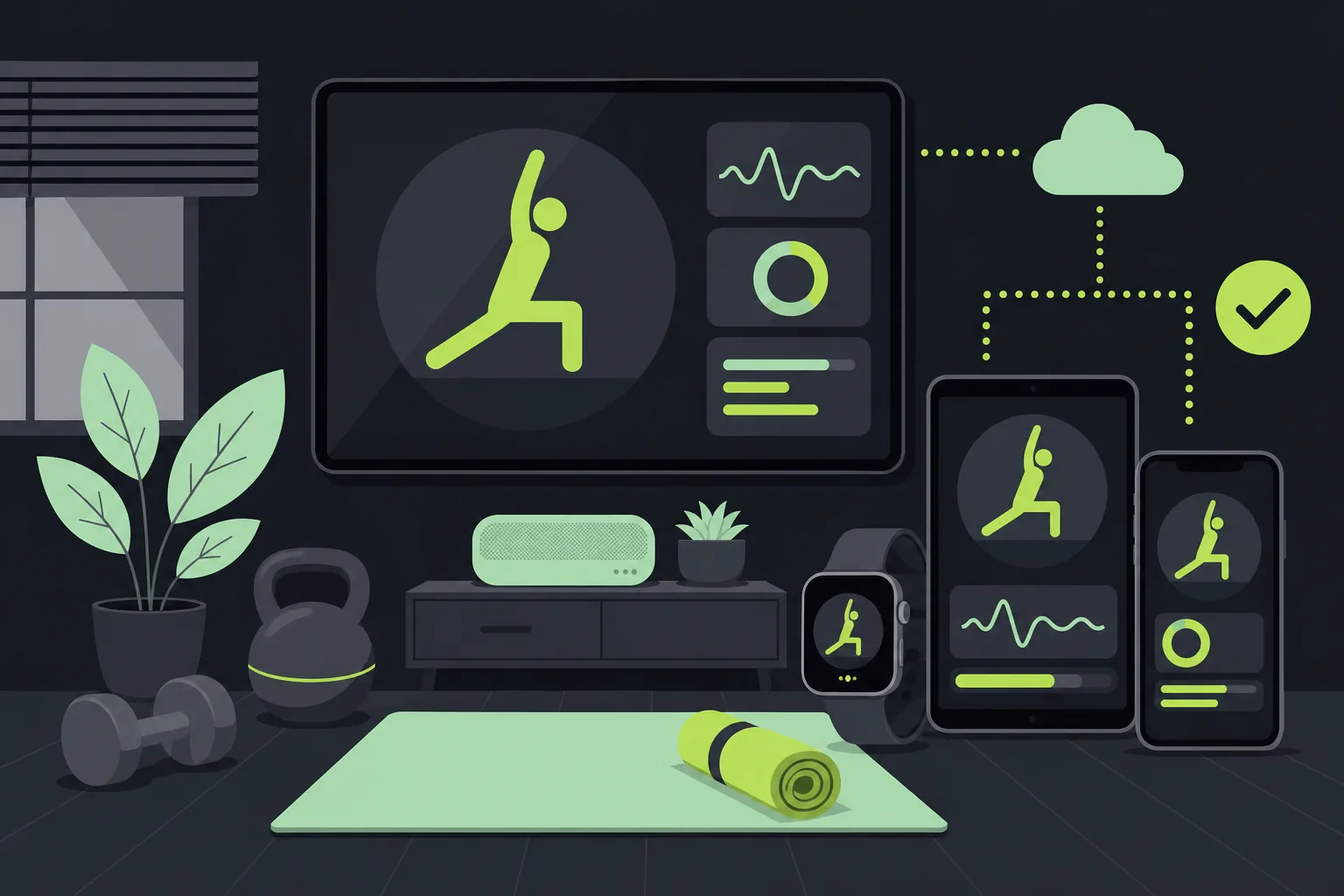
You can follow guided sessions or adjust routines yourself. The app also says its plan can adapt to goals, experience, performance, and preferences. That may help if you need lower-impact options or want to change the session length.
Its strongest point is device support. Workout data stays connected across Apple Health, Apple Watch, and iPad.
Guided video can help you learn movement order and basic form. Still, a video coach can't see your technique. Start with a range of motion you can control. Stop if an exercise causes sharp pain, and ask a qualified professional about an injury.
The app is free to download with in-app purchases. The listing says subscriptions can renew unless you turn off renewal in your account settings. Check the current terms before starting a trial.
Choose this app for guided home movement and Apple device sync. Choose RIRLift when your main need is a lifting log that calculates your next load.
4. BetterMe
Guided coach apps are useful for beginners who freeze when faced with a blank workout screen. This type of app gives you a session to follow, often with video cues, timers, or a goal-based plan.
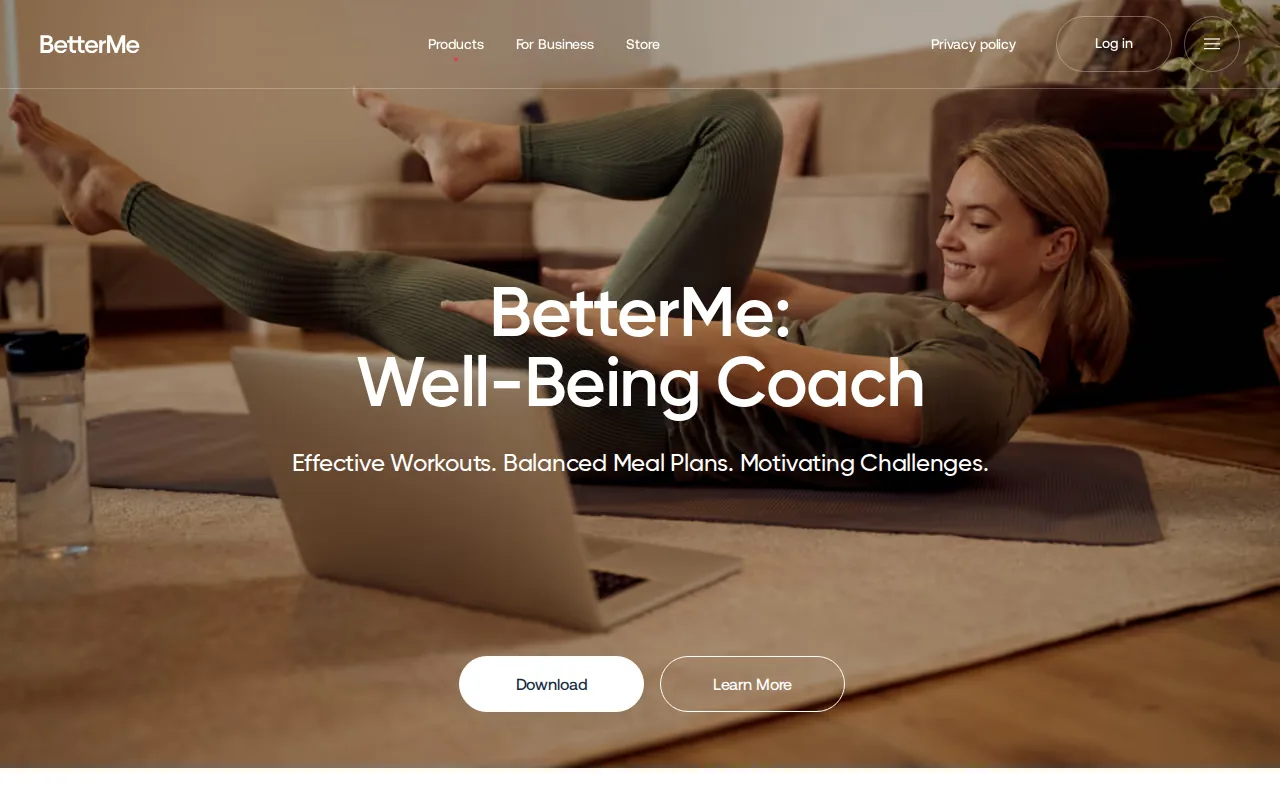
Look for a clear session length before you start. A 20-minute workout is easier to fit into a workday than a plan that reveals its duration after you begin. Equipment filters matter too. A routine that calls for a cable machine won't help much in a small apartment.
Coaching can mean different things. Some apps provide recorded instruction. Others add plan changes based on your feedback. A few connect you with a human coach. Those are different services, so don't assume that an app with the word coach includes one-on-one support.
For a first month, choose two or three sessions per week. Repeat the same basic movements long enough to learn them. Add variety later, once you know which patterns feel good and which equipment you can use.
The trade-off is control. A guided app may make choices for you, but it may also give you less freedom to swap exercises or change the order. If you have a busy schedule or a crowded gym, that can become frustrating.
5. Strava
Nutrition companion apps can support a workout plan when food tracking is part of your goal. They make the most sense for people focused on body weight, muscle gain, or a clearer view of daily calories.
They should remain a supplement to training, not a replacement for it. A food log won't tell you whether your squat technique is safe. It also won't build a progression plan for your lifts.
Check what the free tier includes before you commit. Useful questions include:
- Can you record meals without a paid plan?
- Does it track calories only, or macronutrients too?
- Can it scan food labels or barcodes?
- Can it connect with your health data?
Nutrition data can also become noisy. Portion estimates are often rough, and daily weight changes don't show fat loss or muscle gain by themselves. Use trends over time rather than reacting to one weigh-in.
For most beginners, the simplest setup is enough: use one app for training and one food log only if you need it. Keeping every metric in one place sounds tidy, but it can make the routine harder to maintain.
6. Heavy, A free Apple Watch-friendly workout tracker
Heavy is a workout tracker for people who want to log gym sessions and review progress. It suits beginners who prefer to build their own workouts rather than follow a fixed beginner plan.
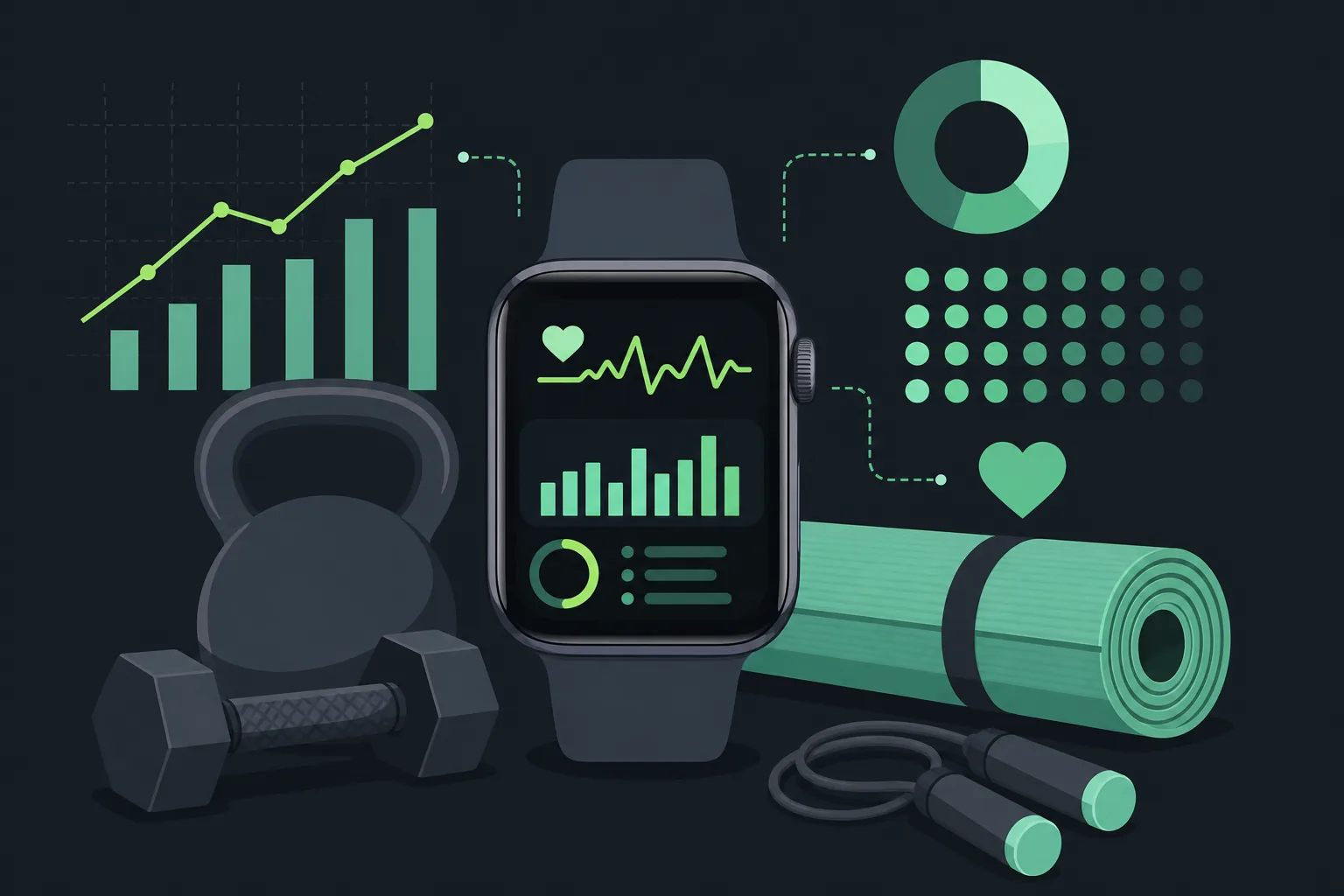
Heavy has a free tier with all features included and an Apple Watch app. A YouTube review also highlights custom routines, a pre-made routine library, exercise notes, rest timers, and a plate calculator. Those tools can reduce the small bits of gym math that slow down a new lifter.
Apple Watch logging is helpful when your phone is in a locker or across the room. But watch support alone doesn't make a plan beginner-friendly. You still need to know which exercises to select and how hard each set should feel.
Heavy works well as a flexible workout log, but you may need to bring the training structure yourself.
Pick Heavy if free tracking and wrist access matter most. Pick RIRLift if you want the app to calculate your next load from your completed sets.
7. Alpha progression, Planning and tracking for structured gym training
Alpha progression is a gym planning and tracking app for people who want structured strength work. It may suit a beginner who wants more planning detail and expects to train toward muscle gain or strength.
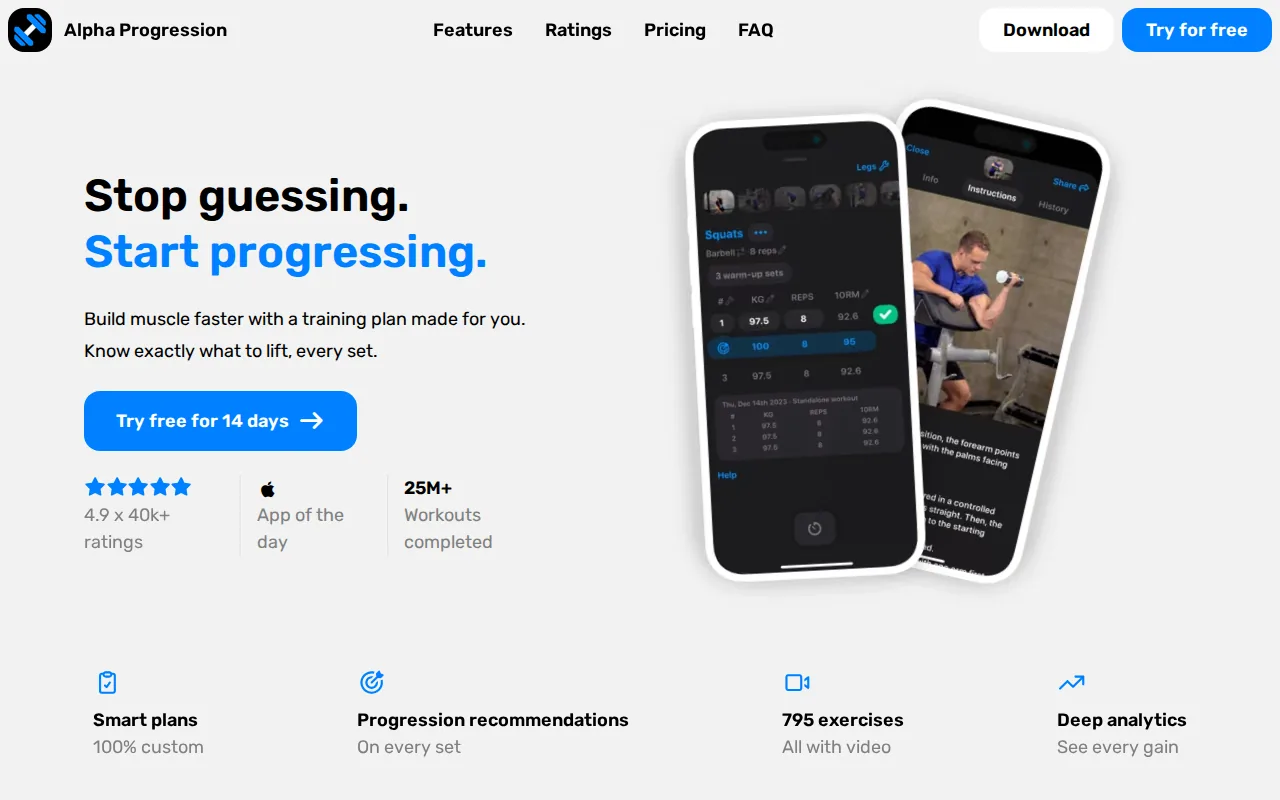
Alpha progression has a free tier that allows workout planning and tracking. A YouTube review also describes an exercise library with up to 600 exercises, demo videos, instructions, timers, muscle insights, alternative exercises, and charts for body weight, measurements, and workout volume.
That level of detail can help once you have learned the basic movements. Seeing volume by muscle gives you a better view than counting only workouts. An alternative exercise feature also matters when your gym lacks a machine or someone is using the station you planned to use.
Pricing may vary by region and billing period.
Alpha progression also has a community angle through a Facebook group. That may help people who want questions answered by other users and the app's founders. It may be less appealing if you want a quiet, private log.
Use it when you enjoy adjusting plans and studying training data. If you want fewer decisions at the start, RIRLift's next-load Coach takes more of that work off your plate.
8. Fitness
Community-focused apps are built for people who stay consistent when someone else is watching. They may include feeds, challenges, groups, comments, or leaderboards.
Social features can help you show up. They can also distract you from the useful data: what you lifted, how many reps you completed, and whether you recovered well enough to train again. A beginner should treat community as an optional aid, not the core program.
Before joining a social training app, check how much of the workout screen is devoted to logging. If recording a set takes several taps, you'll stop using the log once the novelty fades.
Privacy deserves a look too. Review what information the app collects and whether you can keep workouts private. You don't need to post body photos or personal goals to make progress.
This category works best for people who want accountability. It is less useful for someone who needs an app to explain load selection, rest, and effort. For that, a training-first tool remains the better fit.
9. Just Run, A low-cost starting point for absolute beginners
Just Run is a running app for people who want to build toward a 5K. It fits absolute beginners who prefer walking and running intervals over gym workouts.
Just Run is completely free with an optional one-time $5 upgrade. It also offers a nine-week plan for beginners. The program alternates walking with running, then increases the running intervals as you progress.
That structure is easier to follow than deciding how far to run each day. You start with manageable blocks. Over time, the running portions grow while the walking breaks give you a way to control the effort.
Keep the goal modest during the first month. Your first win is completing the scheduled sessions, not running every interval at top speed. If your joints hurt or your breathing feels unsafe, stop and get medical guidance before continuing.
Just Run is a strong choice for low-cost cardio. It doesn't replace a strength tracker, so pair it with a separate lifting app if you want to build muscle or track gym progress.
Best Workout Apps for Beginners Compared
The right choice depends on the first decision you want the app to make. Do you need a next weight, a bodyweight session, a running interval, or a video to follow?
| App or category | Best fit | Free access noted in research | Apple Watch | Main limitation |
|---|---|---|---|---|
| RIRLift | Beginner gym lifting | Yes | Yes | Focused on lifting |
| Home Workout - No Equipment | Bodyweight training | Free with ads and purchases | Not documented | No clear RIR/RPE tracking |
| Home Workout | Guided home sessions | Free with in-app purchases | Yes | Subscription terms apply |
| Heavy | Flexible workout logging | Yes | Yes | No documented beginner plan |
| Alpha progression | Planned gym training | Yes | Not documented | Advanced planning is paid |
| Just Run | Starting a running habit | Yes, with optional upgrade | Not documented | Not a strength tracker |
| Guided coach category | Video-led sessions | Varies | Varies | May limit exercise choice |
For gym beginners, RIRLift is the clearest starting point because it combines beginner plans, RIR/RPE tracking, a free tier, and Apple Watch support. The Apple Watch workout app comparison is useful if wrist logging is a deciding factor.
For home training, choose between bodyweight plans and guided sessions. For running, choose Just Run. For detailed self-directed logging, Heavy or Alpha progression may fit better once you know what you want to track.
Pro Tip: Test one app for two weeks before adding another. A simple log you use beats a feature-rich app you ignore.
How to choose a workout app as a beginner
Start with your setting and your next session, not a long feature list. A good app should make the next workout clear within a few minutes.
- Pick the setting: gym, home, outdoors, or a mix.
- Set a time limit: choose sessions that fit your actual week.
- Check equipment: make sure the app can replace movements you can't do.
- Check the free tier: confirm that logging and plans remain usable without payment.
- Choose your feedback: video cues, a training log, RIR guidance, or human coaching.
- Check privacy: review health data access and social sharing controls.
For strength training, look for sets, reps, load, rest, and progress history. For cardio, look for interval timing and a plan that increases work at a steady pace. For home sessions, look for movement substitutions and clear form cues.
FAQ
What is the best workout app for beginners?
RIRLift is a strong fit for beginners who want to lift weights in a gym. It combines beginner plans with RIR/RPE tracking, Apple Watch support, and a free tier. Home Workout - No Equipment is better for bodyweight sessions, while Just Run fits people who want a structured start to running.
Are workout apps free for beginners?
Many workout apps have a free tier, but free access varies by app. RIRLift, Heavy, Alpha progression, and Just Run have free access. Home Workout - No Equipment includes ads and in-app purchases, while Home Workout is free with in-app purchases. Check renewal terms before starting a trial.
What should a beginner track during workouts?
A beginner should track the exercise, load, reps, and how hard the set felt. RIR, or reps in reserve, is useful because it teaches you to judge effort. You don't need every metric at once. Start with the data that changes your next session, then add volume or body measurements later.
Are workout apps with Apple Watch support worth using?
Apple Watch support is useful when you want to log without holding your phone. It can make set tracking less disruptive in a gym. However, watch support doesn't guarantee good programming. Compare the plan, logging flow, and progress tools too. RIRLift, Home Workout, and Heavy mention Apple Watch support.
Can beginners use a gym workout tracker?
Beginners can use a gym workout tracker if it explains the plan and records the work without adding friction. RIRLift is built for this use because its Coach uses completed sets to suggest the next load. A tracker becomes less useful when you must design every workout before you understand basic exercise selection.
Should I use a workout app or a personal trainer?
A workout app can be enough when you need a plan, reminders, and a record of your sessions. A personal trainer may be a better choice when you need live form feedback, injury-aware changes, or direct accountability. Some apps include coaching, but “coach” can mean video instruction rather than one-on-one help.
Conclusion
Start with RIRLift if your goal is beginner strength training in a gym. Set up a simple routine, complete your first session, and let the Coach use that real result to guide the next one. If you train at home or want to run, choose the app that matches that setting instead of forcing a gym tracker to do every job.