
Blog
Strength level calculator apps
Published September 25, 2026 · 13 min read

A strength level calculator can tell you what a lift may be worth, but the number is only as good as the training data behind it. The apps below take different paths: some estimate 1RM, some compare standards, and some tell you what to lift next. RIRLift leads this shortlist for lifters who want logged effort to shape the next session.
We read the 10 reviews shown first on the App Store page for each of 6 competing lifting apps, 60 reviews in total. The six were Gravitus, Gravl, StrongLifts 5x5, Setgraph, JEFIT, and Liftin', each checked for a mention of RIR, RPE, or effort-based changes. Only 5 of the 60 mentioned the topic, and 2, on Setgraph and JEFIT, asked for an RIR or RPE option the app lacked. Across 6 widely used lifting apps, reviewers rarely described a next-weight number tied to logged effort, the exact gap an RIR-based calculator closes.
1. RIRLift, a next-weight calculator based on your logged training
RIRLift is a strength training app for iPhone that turns your logged sets into a next-load suggestion. It fits people who want a strength level calculator tied to actual sessions rather than a one-off test.
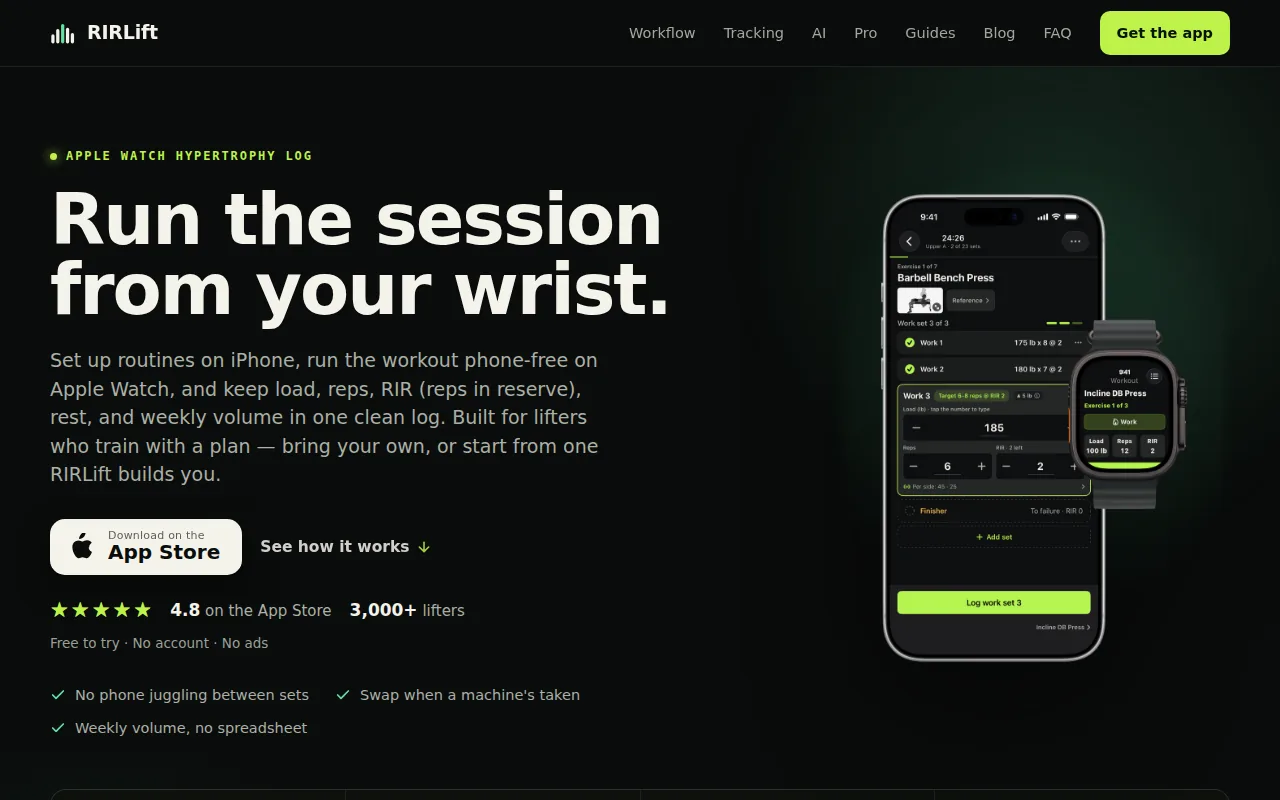
Each set can include load, reps, and RIR. RIR means reps in reserve, or how many clean reps you think you had left. Coach reads what you logged and works out the weight for your next session. The number comes from your recent training, not from a generic table.
That distinction matters when your day does not match your last day. A set logged at 2 RIR gives different information from the same weight logged at 0 RIR. If your reps rise while effort stays within your target, the next load can move up. If the set was harder than planned, the next suggestion can account for that.
RIRLift also keeps the session moving. Load and reps can come pre-filled from the last workout. You confirm the set in a tap, start the rest timer, and keep training. Warm-up sets, drop sets, and exercise swaps fit inside the same workout flow.
For a beginner, this removes the question of what to add next. For an experienced lifter, it keeps progression tied to the effort you actually recorded. The app also totals weekly hard sets by muscle, which helps you see when a strength block is adding work faster than you can recover.
RIRLift works with different training styles, including hypertrophy work that uses RIR or RPE. It runs on iPhone and has an Apple Watch app for phone-free logging. The core workout path needs no sign-up, social feed, or ads during the workout.
The limitation is scope. RIRLift is built around lifting sessions, progression, and volume by muscle. It is not a general wellness dashboard or a social workout feed. That focus suits you if the main question is, "What should I lift next time?"
If you want to calibrate effort before relying on any app, read this guide to reps in reserve. A calculator can process the input, but you still need to judge the set honestly.
2. Gravitus, strength standards backed by a large workout dataset
Gravitus gives a strength level calculator a standards-first approach. It suits lifters who care about where their numbers sit against a large logged training pool.
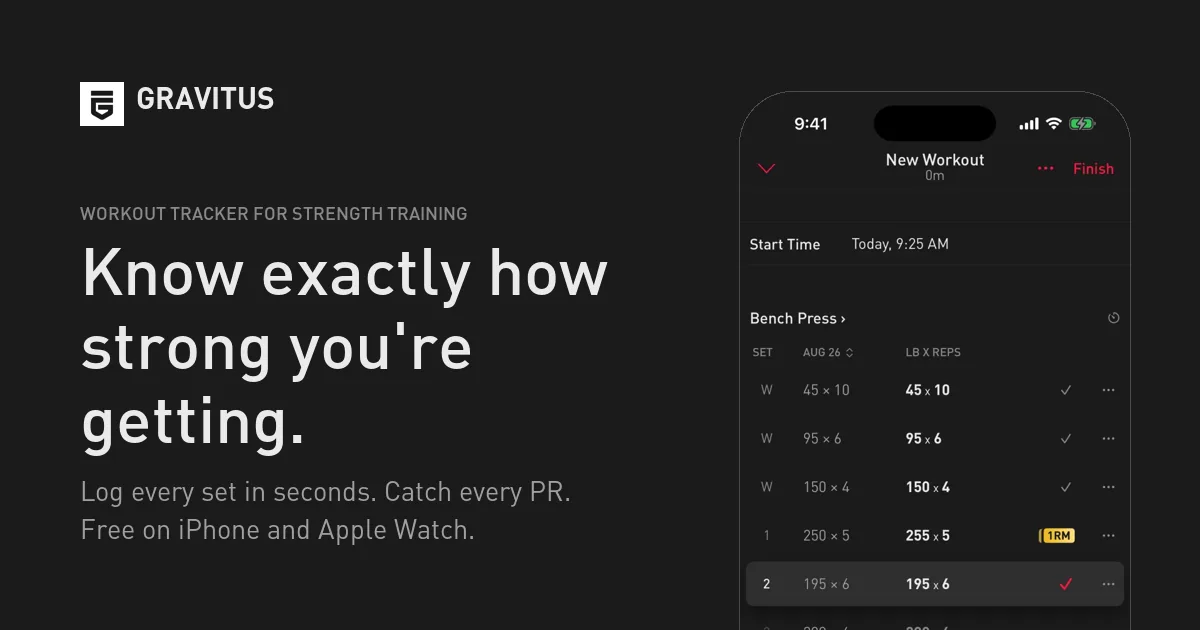
The standards use more than 10 million logged workouts. That makes the tool different from a basic formula that only uses your bodyweight and one recent set. The dataset is meant to give your result a wider point of reference.
Gravitus also centers its strength tracking on major barbell lifts and their variations. That makes sense for someone who wants to watch estimated 1RM trends or ask what they may be able to lift on a given day. A standards view can help you spot a long-term trend that is hard to see from single workout entries.
These tools are more useful when you have enough history to make the trend meaningful. A new lifter should treat an early score as a rough starting point.
Standards also need context. A result can shift with bodyweight, lifting style, range of motion, equipment, age, and training history. Two lifters may post the same estimated 1RM while having very different experience levels. A percentile or category is a reference point, not a training order.
That is the main tradeoff. Gravitus can help answer where your strength sits, but a standard does not always tell you what load belongs on the bar in your next workout. You may still need a separate progression rule based on reps and effort.
3. Gravl, estimated 1RM calculations with automatic weight recommendations
Gravl combines estimated 1RM thinking with a planned workout path. It fits lifters who want the app to set much of the session instead of entering each load by hand.
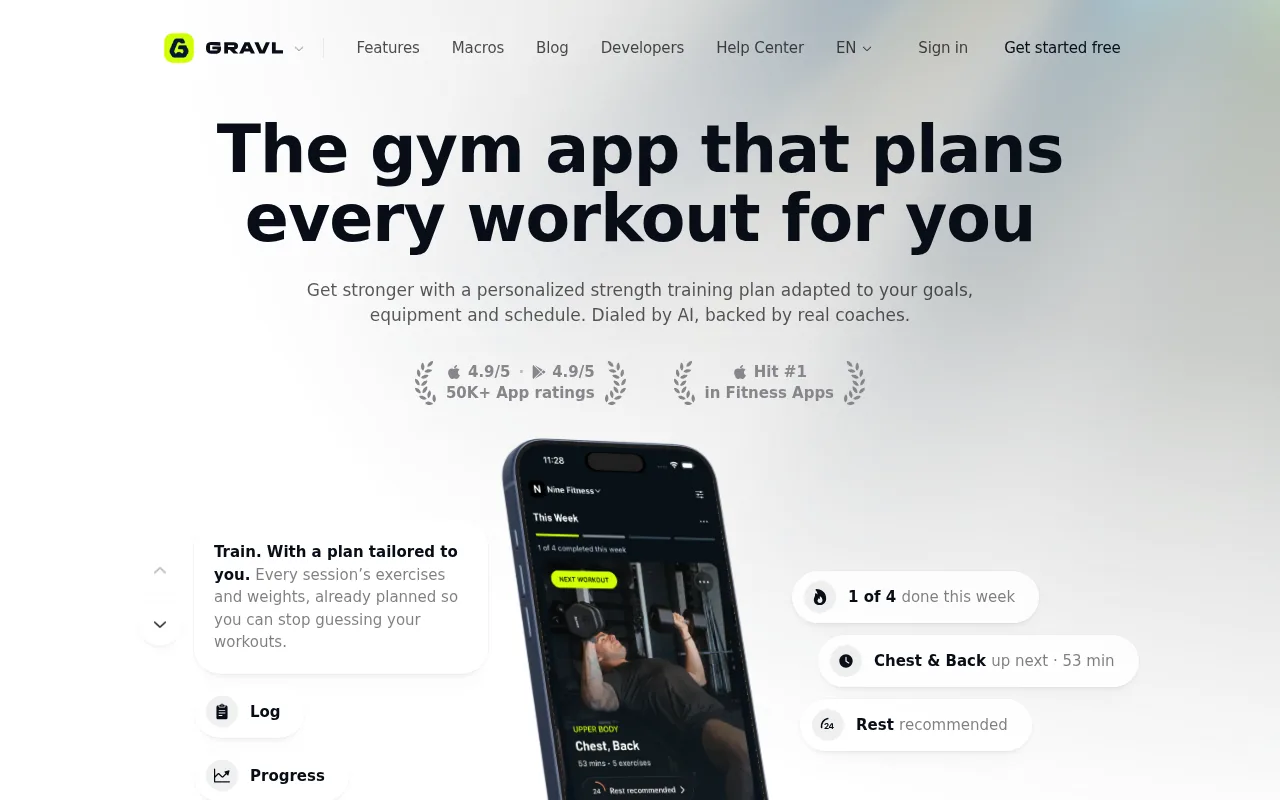
Gravl estimates your one-rep max from logged history and prescribes the next session from it. That creates a more guided experience than a stand-alone strength level calculator.
The app pre-fills sets with reps and weight. You tap when the set is done, then the rest timer starts. If a machine is taken, Gravl can suggest a same-muscle exercise swap and recalculate the session details. That matters in a busy gym where the plan has to change without becoming a new programming task.
Gravl also supports automatic Apple Watch logging. For an Apple Watch lifter, that means the phone does not have to stay in your hand between sets.
The wider feature set may suit you if you want training plans, recovery views, and social features in the same app. Those tools reduce setup work when you are moving an existing plan into the app.
The tradeoff is control. An automatic plan can be useful, but it may feel restrictive if you already run your own block or change load by RIR. You should check how much control you have over rep targets, exercise swaps, and progression rules before making it your main log.
Gravl is free to start, but its product model includes paid features. Current terms can change, so check the live listing before you commit. The app is a better fit for guided programming than for someone who wants a quiet logbook with a narrow next-weight rule.
4. StrongLifts 5×5, a straightforward calculator for progressive overload
StrongLifts 5×5 uses a simple progression model rather than a broad strength dashboard. It suits beginners who want starting weights and session loads laid out for a familiar 5×5 structure.
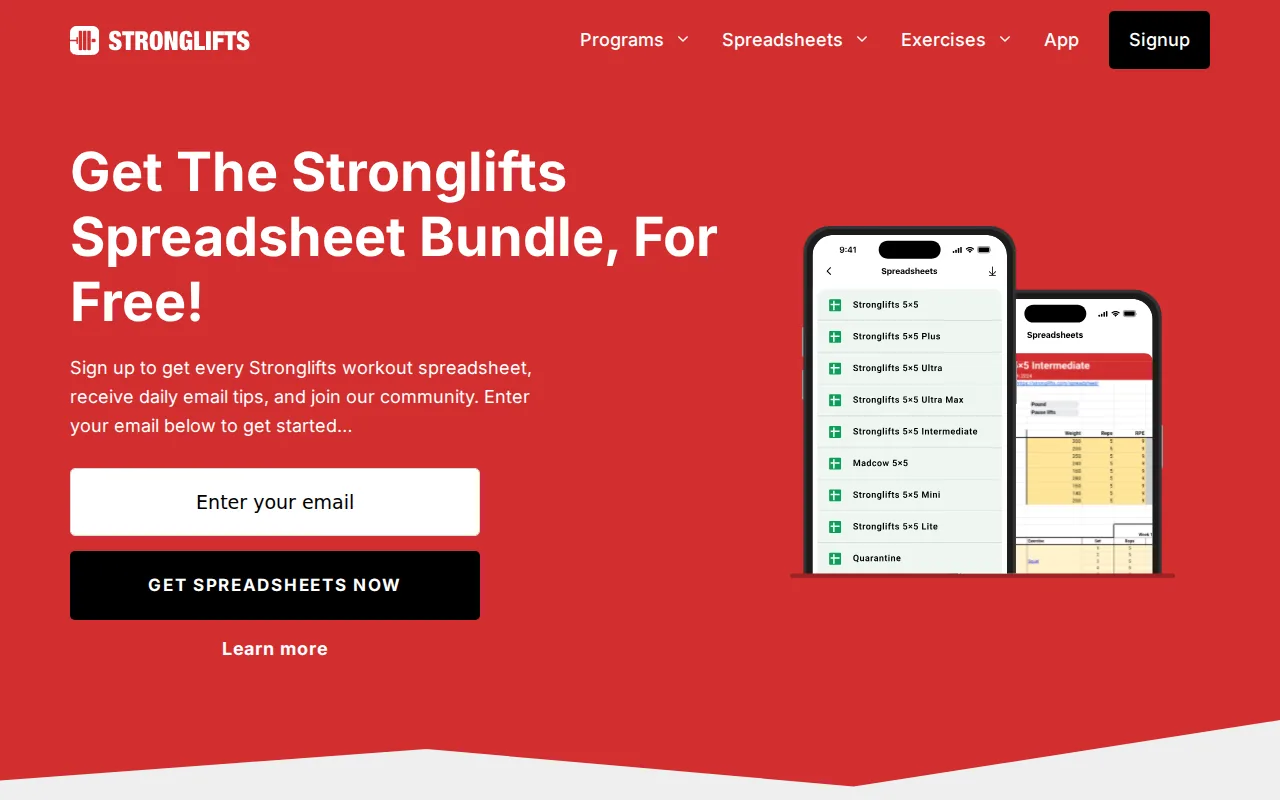
The app automatically calculates starting weights and applies progressive overload after successful sessions. That gives you a clear rule: complete the planned work, then follow the next increase. You do not need to build a spreadsheet before your first session.
This approach works well when your plan is stable. A new lifter can focus on learning the lifts, recording whether the work was completed, and returning for the next session. The small number of main movements also makes progress easy to review.
StrongLifts describes its app as a way to plan workouts, weights, sets, and reps so you can focus on lifting. The free version provides the full 5×5 program with automated progression. Current features and terms should still be checked in the live app.
A fixed progression rule has limits. It may not account for a poor night's sleep, a technical set, or an effort level that was higher than planned. Once a lifter moves beyond the needs of a simple novice plan, an RIR-based log may give better information for day-to-day adjustments.
StrongLifts 5×5 is a sensible pick when the program itself is the main need. It is less suited to a lifter who wants one calculator to compare many exercises, track RIR, and manage a flexible hypertrophy block.
5. Setgraph, a 1RM calculator for reps and percentage-based training
Setgraph takes an exercise-first view of strength tracking. Its 1RM calculator uses reps and percentages, which suits lifters who plan loads from percentage-based training.
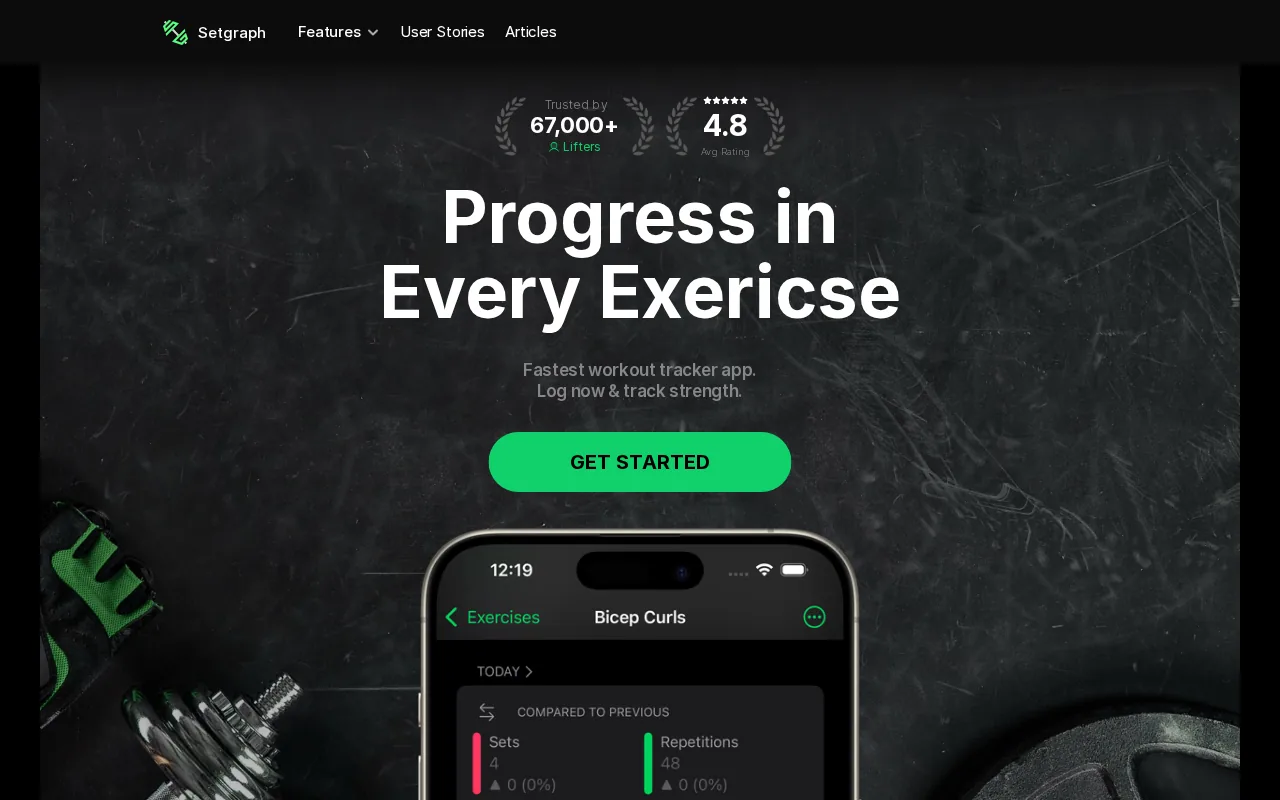
A percentage calculator starts with a recent performance and turns it into a training reference. For example, an estimated 1RM can help set a load for a lower-rep strength session or a higher-rep volume day. The estimate is useful when you want a repeatable way to set weights across a block.
Common 1RM formulas use the weight and reps from a recent set. One example is the Brzycki formula, which estimates 1RM from a set of up to 10 reps. The result should stay an estimate because rep speed, form, and exercise choice can change the number.
Percentage work is easy to follow when the program is written that way. It is also easy to misuse. A percentage from a strong day can make the next session too hard, while a low estimate from a tired day can hold the load back. Your training phase and current recovery still matter.
If you use a warm-up calculator, base the jumps on the planned working weight rather than treating every warm-up as a test of your maximum. This warm-up set calculator guide explains that distinction and shows why warm-ups should prepare you without taking work from the main sets.
Setgraph is a good match for percentage-led programming. It may be less appealing if you want the app to make decisions from RIR on every set.
6. JEFIT, a broad exercise database with smartwatch support
JEFIT pairs a large exercise database with workout tracking and recommendation tools. It suits lifters who want many movements and program formats inside one strength level calculator app.
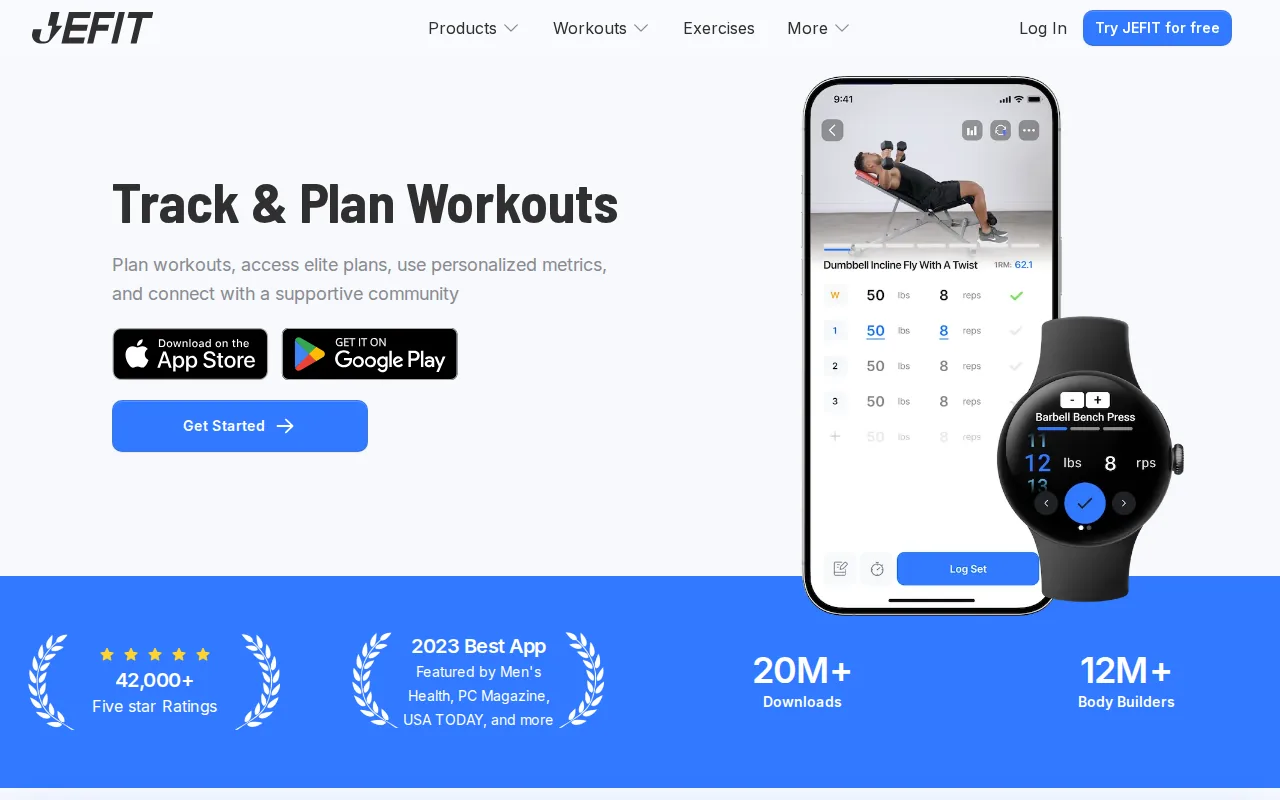
The exercise library includes support for barbell, dumbbell, machine, and bodyweight work. That breadth helps when your training changes often or your gym has limited equipment. You can keep one history while moving between structured programs and flexible sessions.
JEFIT includes an automatic progressive overload system that recommends weights and reps from your training history. For someone who wants more direction than a blank logbook, that can reduce the work between one session and the next.
The app supports Apple Watch. Watch support matters most when the logging action is quick enough to use between sets. A long setup flow can still send you back to your phone, so test the actual workout path before judging the feature.
JEFIT's broad scope is its main strength and its main tradeoff. A large library can help you find an exercise, but it can also add choices when you already know what you need. The app may suit you if you want planning, history, and exercise variety more than a narrow progression tool.
RIR and RPE logging deserve a separate check. Automatic weight advice does not tell you how hard the set felt unless the app captures that effort. If your training uses 1 to 3 RIR for most working sets, confirm that the app records the value in a way you will actually use.
JEFIT makes sense for a mixed routine with many exercises. A more focused app may be easier to run when your only job is to log the set and follow the next load.
7. Liftin’, Apple Watch logging with RIR and RPE-aware recommendations
Liftin’ combines Apple Watch logging with RIR and RPE-aware recommendations. It suits Apple Watch users who want effort data beside load and reps.
RIR and RPE give a strength level calculator more context than load alone. A 100-pound set can be a warm-up for one lifter and a near-limit effort for another. Logging the effort helps the next recommendation account for that difference.
Liftin’ is relevant to lifters who prefer to keep the phone in a pocket during a session.
| What you need | How Liftin’ fits | What to check |
|---|---|---|
| Apple Watch logging | Supported | Test the set-entry flow during a full workout |
| Effort tracking | RIR and RPE logging supported | Confirm how effort changes the next load |
| Automatic recommendations | Supported | Review the rule after missed or unusually hard sets |
| Cost before commitment | Three-month free trial | Check current terms before the trial ends |
The comparison point is useful. Many apps can suggest a weight, but fewer record the effort that shaped the suggestion. If your plan uses RPE or RIR, that detail should be easy to enter while tired, not something you reconstruct later.
Liftin’ may be a good fit for a watch-first workflow. RIRLift is another option for the same narrow need, with Coach using logged load, reps, and RIR to set the next session. The choice comes down to which progression view feels clearer during your own training.
The limitation is that Apple Watch support alone does not prove a recommendation is well matched to your program. Try a few normal sessions before trusting any automatic number. Your log should make the reason for a change easy to understand.
FAQ: Strength Level Calculators
What does a strength level calculator do?
A strength level calculator estimates your strength from a lift, reps, bodyweight, or training history. Some tools return an estimated 1RM, while others compare your result with standards or suggest the next load. Treat the result as a guide because form, exercise setup, fatigue, and rep speed can change the input.
How accurate is an estimated 1RM?
An estimated 1RM is useful for planning, but it is not the same as a tested one-rep max. Formula-based calculators work best when the source set uses sound form and a known rep count. A set taken close to failure can produce more noise, so use recent repeatable training data when possible.
Should I use RIR with a strength calculator?
Yes, RIR can make a strength calculator more useful because it records how hard the set felt. Two sets with the same load and reps may lead to different next steps if one had 3 RIR and the other had 0 RIR. RIR is still an estimate, so use the same honest standard across sessions.
Which app tells you what weight to lift next?
Several apps in this shortlist include automatic weight recommendations, but their methods differ. RIRLift uses logged load, reps, and RIR to set the next session. Other apps may rely on estimated 1RM, fixed progression rules, percentages, or a larger training dataset. Check the method before comparing the recommendations.
Can I use a strength calculator without testing my 1RM?
Yes, most strength calculators can work from a submaximal set. Enter a recent set with controlled form and a clear rep count, then treat the result as an estimate. You do not need to test a true maximum to plan training loads, and many lifters prefer submaximal data for regular progression.
Conclusion
Choose the app based on the decision you need it to make. For a flexible log that uses RIR to set your next load, start with RIRLift and record your first session honestly. The more useful number is not a single strength score. It is the next weight that matches what you actually did.