
Blog
Best Progressive Overload Apps for Smarter Training
Published September 18, 2026 · 12 min read
A good progressive overload app should do more than fill in last week’s weight. It should help you decide what to lift next, based on what you actually completed. Here are seven named options, with RIRLift first for iPhone lifters who want automatic targets, Apple Watch logging, and an ad-free workout log. If your priority is the logging workflow rather than automatic progression, our comparison of the best workout log apps for lifters provides broader context.
1. RIRLift
RIRLift is an iPhone gym tracker that calculates your next-session weights from your logged work. It’s the best fit for lifters who want clear targets without handing their whole plan to an opaque algorithm.
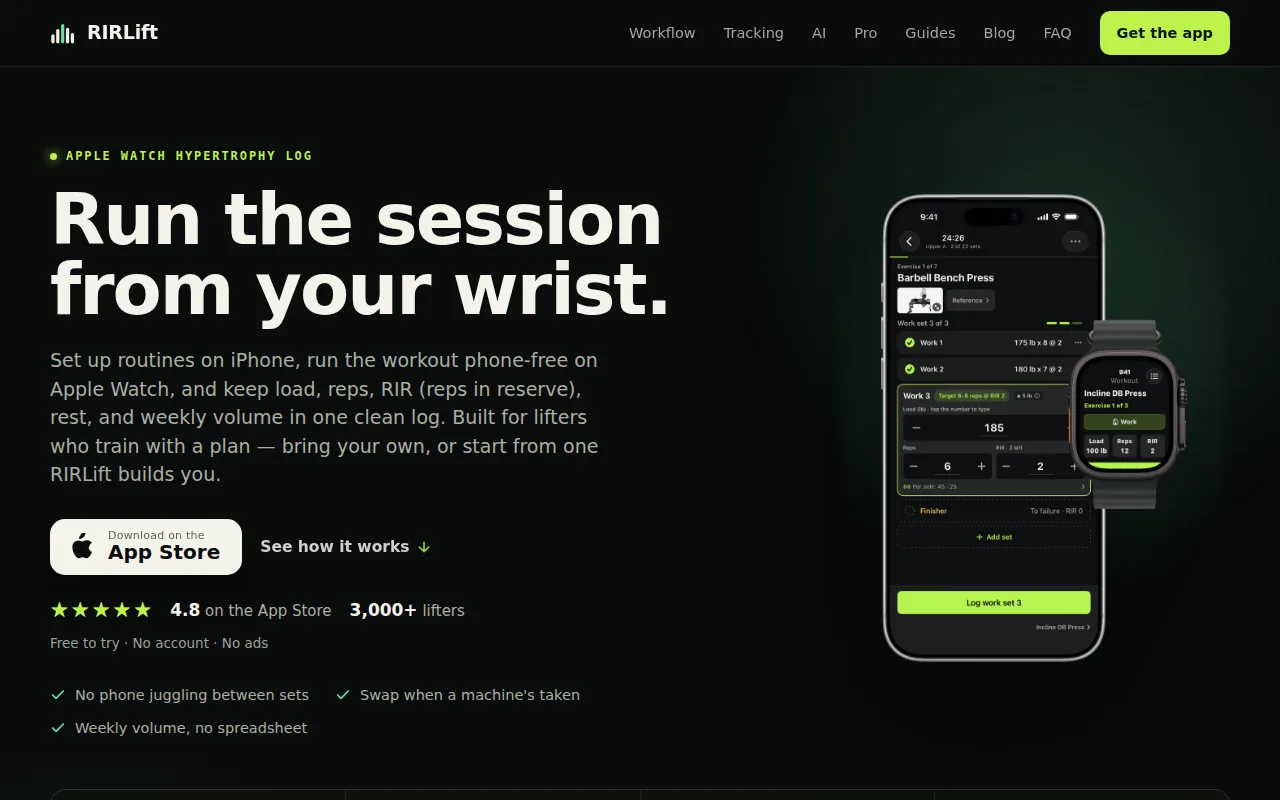
We built RIRLift around the part of training that most logs leave to guesswork: the next load. You can build your own routine or pick a program. During the session, set logging takes one tap. Afterward, the built-in Coach uses your actual reps and effort to work out what you should lift next time.
The Coach uses RIR and RPE. RIR means reps in reserve, or how many clean reps you had left. That matters because a set of eight at two RIR is different from a set of eight taken to failure. A log that stores only weight and reps misses that difference.
RIRLift also tracks weekly volume by muscle. That gives you a wider view than a single personal record. If your bench press rises while chest volume stays sensible, the trend is easier to judge. If a muscle group receives far more work than planned, you can spot it before fatigue muddies the next session.
| What you need | How RIRLift handles it | Why it helps |
|---|---|---|
| Next-session targets | Coach calculates the next weight from logged performance | You start the next workout with a target instead of a guess |
| Effort tracking | RIR and RPE support | Load changes can reflect how hard the set felt |
| Workout styles | Works with beginner plans, hypertrophy blocks, and other lifting styles | You don’t need to rebuild your training around the app |
| Set types | Warmups, drop sets, rest timers, and rest-pause work | More of the session stays in one log |
| Wrist logging | Apple Watch support | You can log without reaching for your phone |
There’s no sign-up, social feed, or ads in the workout. RIRLift also has a free web planner and shareable routine links at RIRLift’s usable progressive overload guide, which explains the double-progression method in plain terms.
The caveat is focus. RIRLift is built for resistance training, not a broad wellness dashboard. If you mainly want guided cardio, meditation, or a large social community, another app may fit better. For gym lifters who want the next weight worked out from real performance, that narrow focus is useful.
2. TR(AI)NER: AI-generated progression with free programs
TR(AI)NER is an AI-based training app that builds weightlifting programs around your goals, equipment, limits, and skill level. It fits lifters who want a plan generated for them rather than a blank workout log.
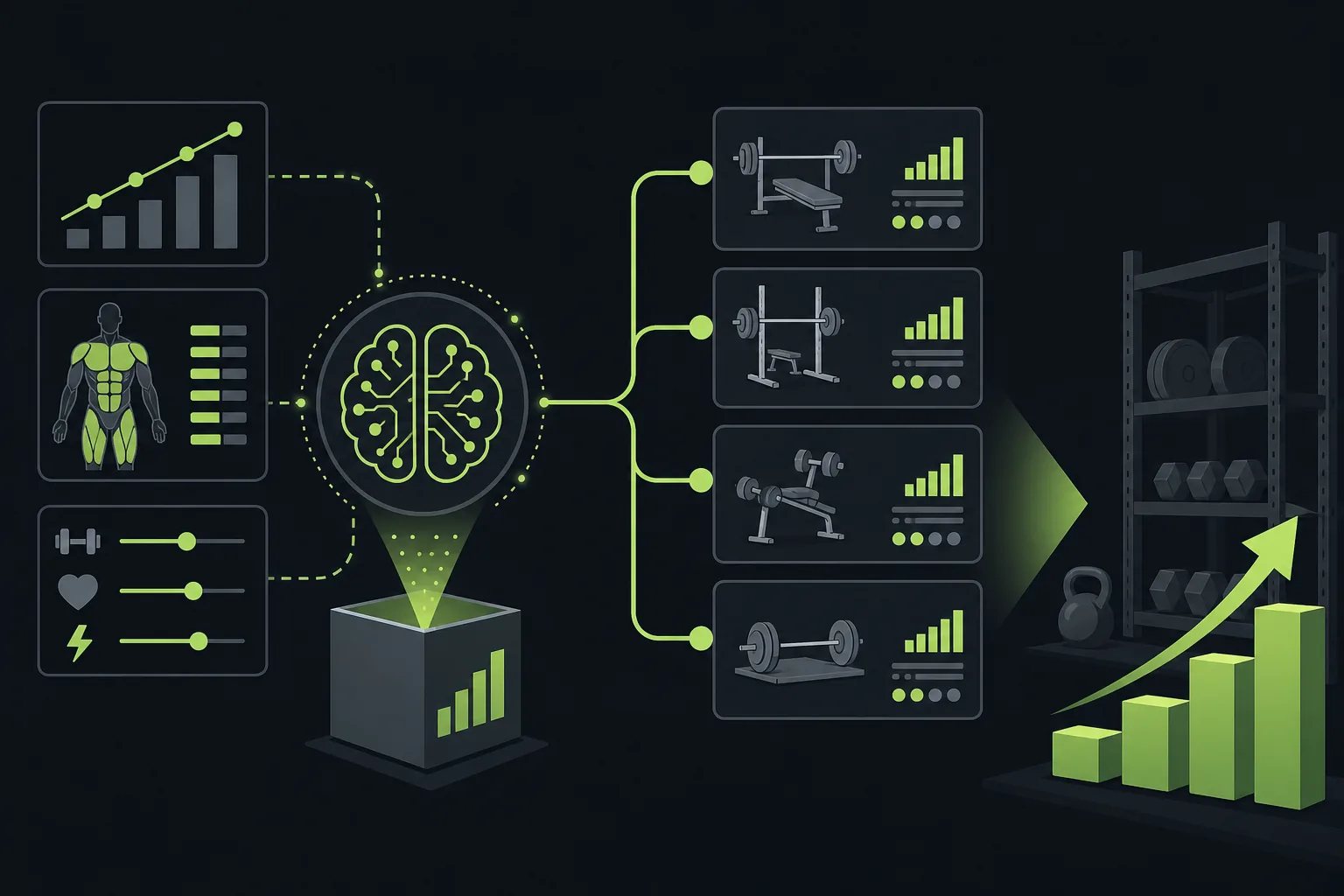
Its progression model changes the rep scheme, prescribed weight, and set count across the plan. The movements may repeat. That is a feature for a lifter who wants to see whether performance improves under a stable exercise choice.
The app can account for limits in your schedule or gym setup. A prompt about having access to a work gym three days per week can shape the plan around that constraint. That saves time when your equipment or training days change.
TR(AI)NER also gives you three free programs upfront. That is enough time to see whether the suggested sessions match your training level and whether the repeated movements feel useful rather than dull. The research source for this option describes an eight-week plan with changing reps, weights, and sets intended to support overload. TR(AI)NER is also a weightlifting option with free programs to try.
The tradeoff is control. A generated plan can make sensible choices, but you may still want to adjust an exercise when a machine is busy or a joint feels off. You should check each recommendation against your actual technique and recovery.
Pick TR(AI)NER if you want program generation first and detailed manual logging second. If your main question is simply, “What weight should I use next week for this exact lift?” RIRLift gives that question more direct attention.
3. SHRED: Adaptive progression for muscle gain
SHRED is an adaptive training app aimed at muscle gain. It suits lifters who want future workouts to react to how difficult each exercise felt.
After an exercise, you rate its difficulty. SHRED then adjusts future loads, set counts, and intensity. That puts perceived effort into the progression loop instead of treating every completed rep as equal.
That approach can help when your strength changes from session to session. A weight that feels easy after a good night’s sleep may feel much harder after a long workday. The app has a way to record that difference and use it later.
SHRED is also built around different strength formats, including gym sessions, home workouts, bodybuilding splits, and hypertrophy-focused circuits. That makes it more suitable for someone who wants muscle gain without using one fixed style every week.
The important detail is that adaptive does not mean automatic judgment is always right. A difficulty rating is still your input. If your form breaks down because of a poor exercise setup, the app can’t inspect that from a number on the screen. Keep the rating tied to clean reps, not pride.
SHRED is a strong choice for people who like rating effort after each movement. RIRLift is better if you want effort tracking tied directly to a next-session weight and a wider view of weekly muscle volume.
4. Muscle Booster: Customizable progression for beginners
Muscle Booster is a customizable workout app that targets beginners. It works best for someone who needs a clear starting plan but still wants room to change exercises or session details.
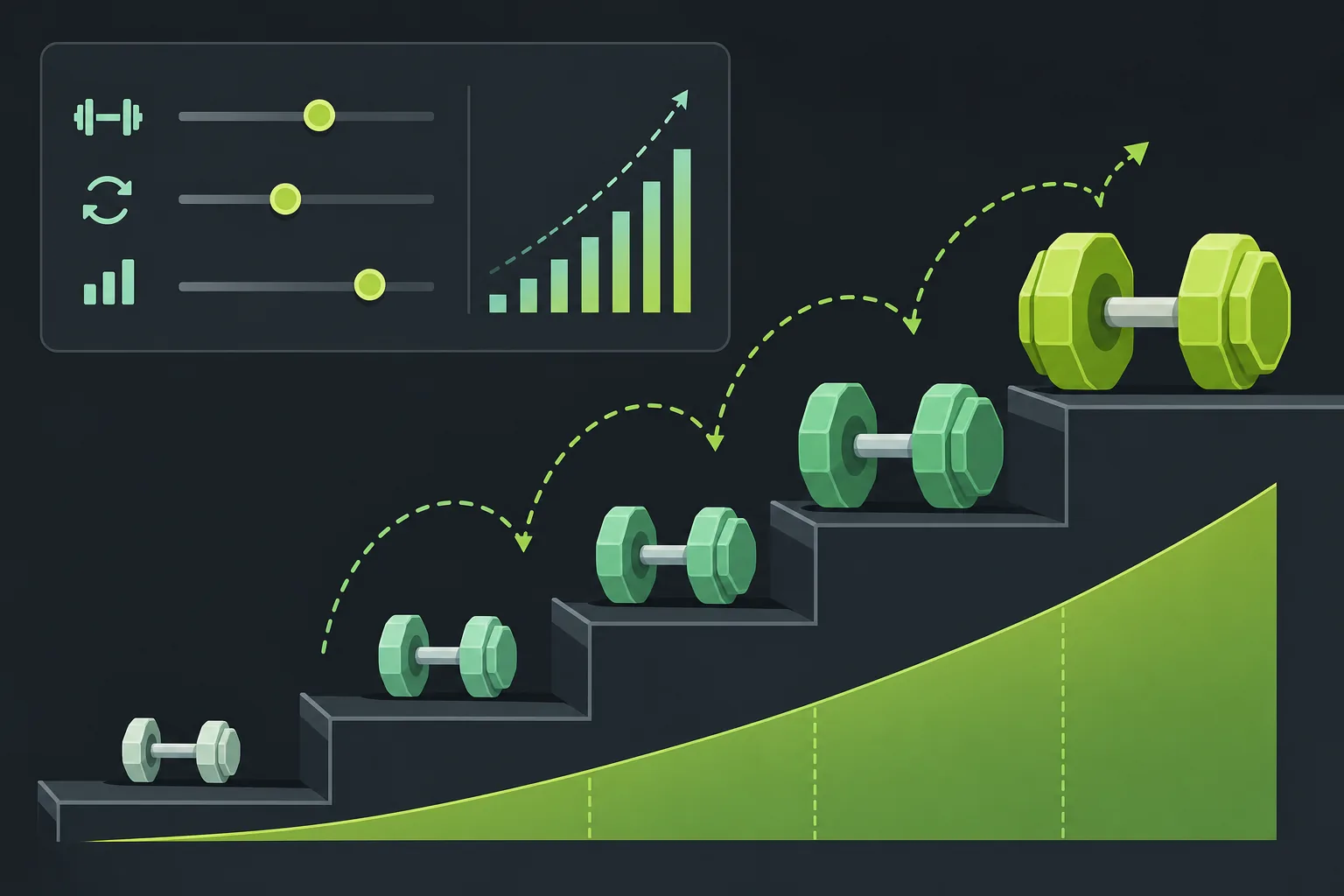
Custom workouts make progressive overload easier to apply than a fixed video plan. You can keep the main movement in place while changing the load or reps as your capacity improves. That gives a new lifter a simple way to see progress without changing the whole routine every week.
The beginner focus matters. New lifters often need fewer decisions, not more. A plan can show which exercises belong in the session and reduce the chance that every workout becomes a random collection of movements.
Customization also helps when a gym lacks a certain machine. You can change the session rather than abandon it. Still, a beginner should avoid changing every exercise at once. Keep enough of the plan stable to tell whether strength is moving up.
Muscle Booster’s limitation is that customization alone doesn’t guarantee smart progression. You still need a rule for when to add load, add reps, or hold steady. A progressive overload workout plan with a clear RIR target can reduce that guesswork. For a new lifter who wants flexible sessions, Muscle Booster is worth considering. For automatic load targets, RIRLift is the more direct match.
5. Bazu: Smart next-set targets with Apple Watch support
Bazu is a workout tracker with smart next-set recommendations and native Apple Watch support. It fits iPhone lifters who care about quick logging during a session and want the next set to reflect the last one.
Bazu Pro adds smart recommendations based on your last session. It also has a pace selector and next-set targets. That can be useful when you want a prompt during the workout instead of waiting until the next training day.
Apple Watch support is the main reason to look at Bazu. Wrist logging can keep your phone out of the way while you move between sets. In practice, that matters most when the phone is in a locker, across the room, or being used for music.
The next-set model is different from a full training block. It helps guide the immediate session, but you should check how it handles missed reps, unusual fatigue, and planned deloads before trusting every suggestion. A target that ignores a bad warmup can push the session in the wrong direction.
Bazu is a sensible option for wrist-first logging and short feedback loops. RIRLift remains the stronger fit when you want Apple Watch logging plus an RIR/RPE-based Coach that calculates the next session’s load.
If Apple Watch use is your main filter, compare the exact watch workflow before subscribing. App descriptions can mention watch access without making clear which actions work on the wrist. RIRLift’s stated use case is direct: set up routines on iPhone, then log from Apple Watch.
6. Hevy: Adaptive targets in a familiar workout tracker
Hevy is a well-known workout tracker with an adaptive target system in its Pro tier. It suits lifters who already like a standard exercise log and want more guidance added to it.
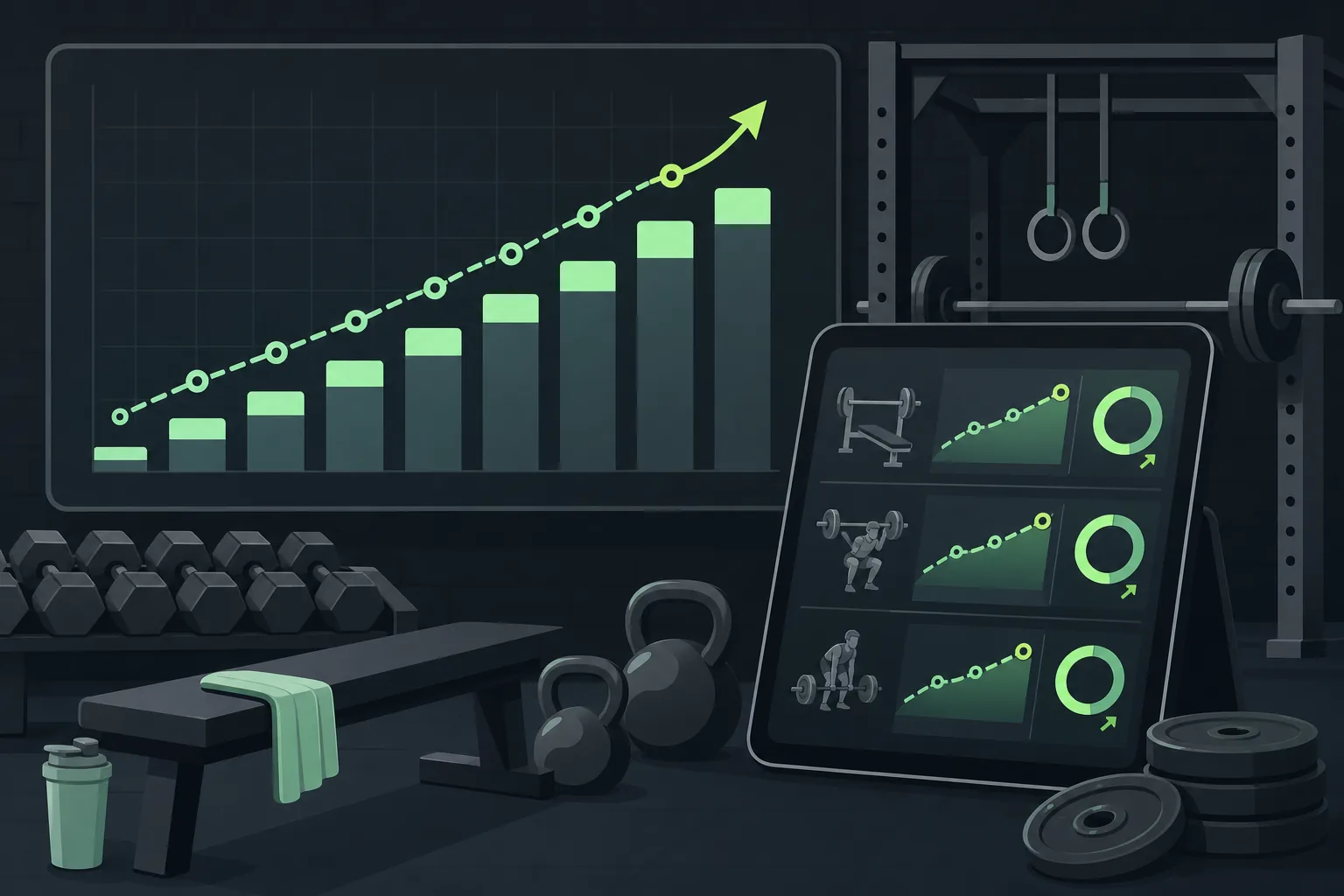
Hevy Trainer adjusts target weights based on performance. That gives the familiar log a progression layer instead of leaving you to compare every past set by hand.
The main advantage is the workflow. If you already record exercises in Hevy, an adaptive target can reduce the friction of planning your next session. You can review the target, perform the set, and then log what really happened.
Hevy also has native Apple Watch support. Its free tier includes some tracking access, while the adaptive trainer belongs to Hevy Pro. Check the current feature split before you choose it, since free access and coaching access are different questions.
The caveat is that a familiar tracker can encourage you to focus on completion rather than effort. If every target is treated as mandatory, you may force a load on a day when fatigue is high. A good progression tool should inform the session, not override sound judgment.
Choose Hevy when you want a broad tracker with adaptive targets added to an established logging routine. Choose RIRLift when the coaching rule itself is your main reason for switching apps.
7. Fitbod: Session-level algorithmic programming
Fitbod generates customized resistance workouts from your goals, fitness level, equipment, and logged training. It fits lifters who want each session shaped by recovery and available equipment.
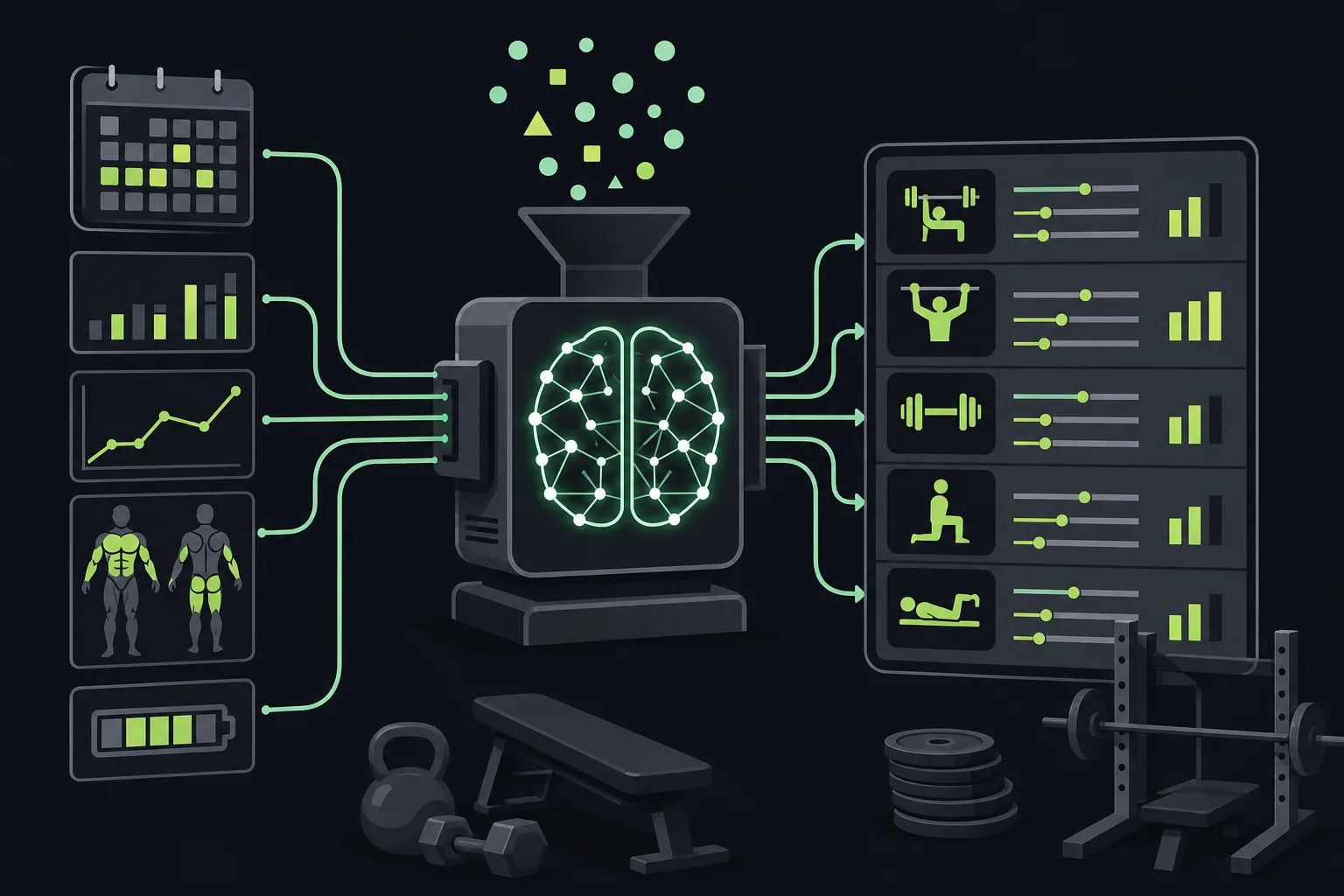
Fitbod’s algorithm uses logged workout data to personalize each workout. Its stated focus includes progressive overload, muscle recovery, and exercise selection. That makes it useful when your gym setup changes or you don’t want to plan every session in advance.
You can set equipment options that include bodyweight, bands, or limited gym gear. Fitbod then adjusts the session to match the setup. That is helpful for a lifter who trains at home on some days and in a full gym on others.
The session-level approach is both its strength and its limit. It can decide what to do today, but lifters who run a fixed strength block may want more control over exercise order and long-term progression. An algorithm that changes the session too often can also make performance trends harder to read.
Fitbod is worth a look if you want customized workouts with little planning. If you already have a routine and need accurate next-session loads, a dedicated log such as RIRLift may feel more transparent.
Any app should give way to medical advice when pain or injury changes your movement. A tracker can record training, but it can’t diagnose a problem. If you need a rehab plan, professional guidance may be adapted to a person’s needs.
Key Takeaway: The best choice depends on the kind of automation you want. RIRLift focuses on next-session loads from RIR and RPE, while other apps put more weight on generated plans or session-level changes.
Pro Tip: Before judging an app, log two full weeks with the same exercises. You’ll learn more from how it handles missed reps and hard sessions than from its feature list.
FAQ
What is the best progressive overload app?
RIRLift is a strong fit for iPhone lifters who want automatic weight targets tied to logged performance. It uses RIR and RPE to calculate what to lift next session, supports Apple Watch logging, and keeps the workout free of ads. Other apps may suit you better if you want fully generated workouts or a broad fitness dashboard.
How does a progressive overload app know when to add weight?
A progressive overload app usually checks your completed reps, target reps, load, or effort rating. RIRLift also uses RIR and RPE, so the next target can reflect how hard the set was. That is more informative than copying the last weight when the same load felt much easier or harder.
Can I use progressive overload apps with Apple Watch?
Yes, some progressive overload apps support Apple Watch, but the watch features differ. Check whether the watch can start workouts, record sets, and show targets before choosing an app.
Is a progressive overload app useful for beginners?
A progressive overload app can help beginners by reducing the number of decisions made during a workout. Muscle Booster focuses on customizable beginner workouts, while RIRLift lets you pick a program and receive next-session targets. Beginners should still learn safe form and stop when pain changes the movement.
Do progressive overload apps work for hypertrophy?
Yes, progressive overload apps can support hypertrophy when they track enough work to guide gradual progress. Look for load targets, rep tracking, effort notes, and weekly volume by muscle. RIRLift includes RIR/RPE coaching and weekly muscle volume, which makes it suited to lifters who train for size.
Conclusion
For most iPhone lifters, RIRLift is the clearest choice because it combines Apple Watch logging with an RIR/RPE Coach that calculates your next load. Start with a routine, log your next workout, and review the target before your following session.